

Realme 7 Pro Accessories Guide: Screen Protectors Compared
MEZONUsing a Realme 7 Pro and want to keep the display looking good? This guide follows the same practical approach as our OPPO accessory guides: first confirm the exact phone, then look at the device features that matter for protection, compare every screen protector currently listed at MEZON, and choose the option that best matches how you use the phone.
1. Make sure you have the right Realme 7 Pro model
Before ordering a protector, confirm the phone name in Settings > About phone. Realme has released several devices with similar names, and even closely related models can use different screen dimensions, camera openings and bezel shapes.
The Realme 7 Pro is different from both the Realme 7 and Realme 7 5G, including its AMOLED display and physical dimensions.
2. Realme 7 Pro at a glance
The Realme 7 Pro took a different route from the Realme 7 5G. Instead of chasing the highest refresh rate, it focused on a 6.4-inch Super AMOLED display, a Snapdragon 720G, Sony's 64MP IMX682 main camera and exceptionally fast 65W SuperDart charging. Realme advertised a full charge in around 34 minutes, which was striking for a mid-range phone at the time.
| Display | 6.4-inch Super AMOLED, 2400 × 1080 FHD+, 409 PPI |
| Processor | Qualcomm Snapdragon 720G |
| Memory | 6GB or 8GB LPDDR4X RAM with 128GB UFS 2.1 storage |
| Battery | 4,500mAh typical battery with 65W SuperDart Charge |
| Rear camera | 64MP Sony IMX682 main camera in a quad-camera system |
| Fingerprint sensor | In-display fingerprint reader |
What is especially interesting about this phone?
- The 65W SuperDart system was one of the phone's defining features, with Realme promoting a 0–100% charge time of about 34 minutes.
- Its Super AMOLED display offers the deep blacks and contrast many users prefer for video and photos.
- The optical fingerprint reader sits beneath the display, making a clean, properly bonded screen protector especially important.
- The 64MP Sony IMX682 camera was a strong photographic specification for its class.
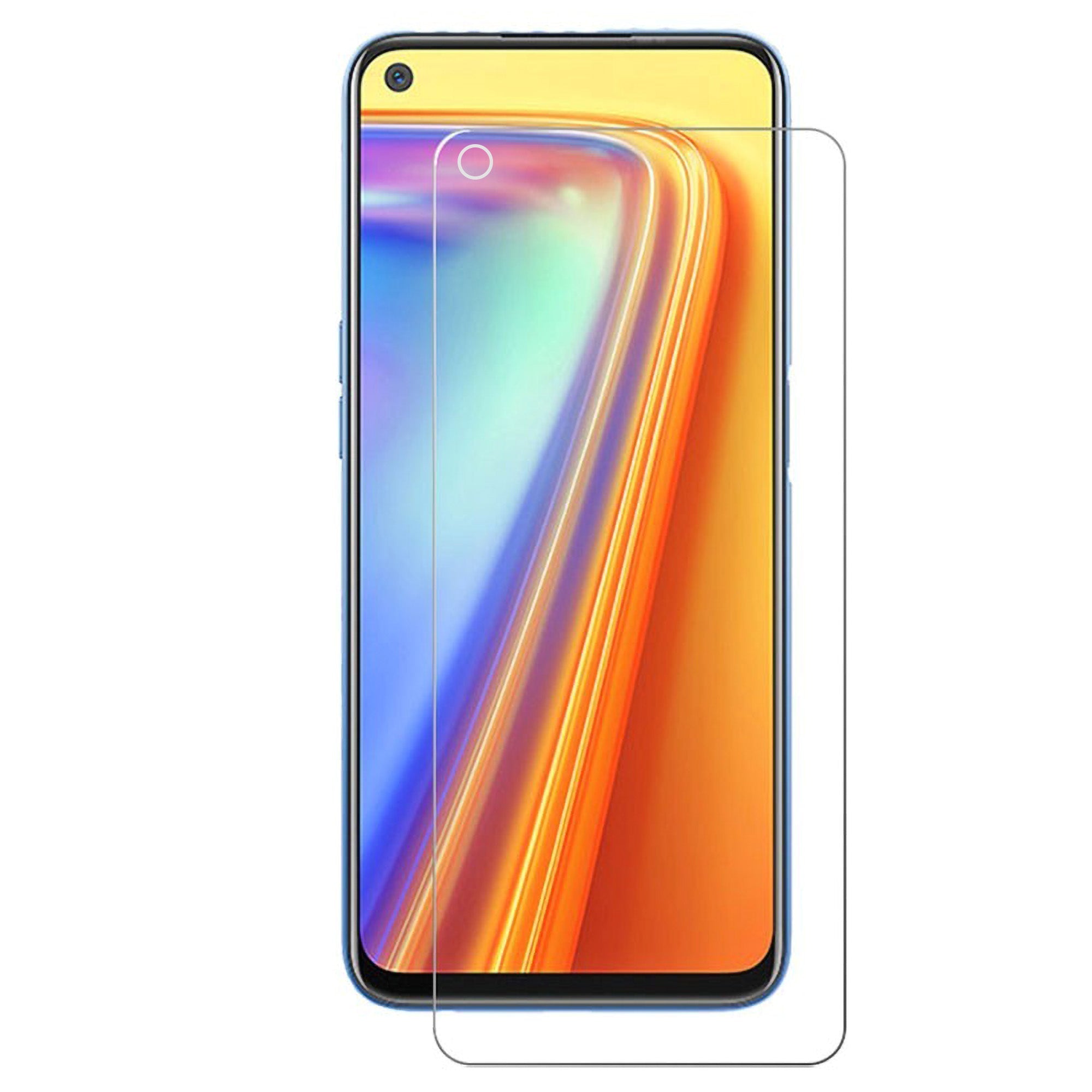
3. Why screen protection makes sense on the Realme 7 Pro
The display is one of the largest exposed surfaces on any smartphone. Everyday pocket grit, keys, desk contact and accidental drops can all leave marks even when the phone is otherwise working perfectly. A model-specific protector adds a replaceable layer without changing the phone itself.
The current MEZON collection for the Realme 7 Pro contains 2 screen protector options. The range is deliberately different for each model, so this article only covers products currently shown in the live collection rather than mentioning accessories that are not listed.
Fingerprint note: the Realme 7 Pro uses an in-display optical fingerprint reader. A clean installation with no trapped dust or air in the sensor area is important. If recognition changes after fitting a protector, clean the screen and re-register the fingerprint through the phone settings.
4. Current MEZON screen protectors for Realme 7 Pro
4.1. Ultra Clear TPU Film
![[3 Pack] MEZON Realme 7 Pro Ultra Clear Case-Friendly Film Screen Protector](https://mezon.com.au/cdn/shop/products/Realme_7_Pro_0_logo_3x_2fdb5568-75df-4b88-aa00-5c5ffc521a4e.jpg)
[3 Pack] MEZON Realme 7 Pro Ultra Clear Case-Friendly Film Screen Protector
A thin TPU film option for scratch protection while keeping the AMOLED display looking bright and natural. Its low profile is useful if you dislike the thickness of glass.
Who it suits: Best for preserving the AMOLED look with minimal added thickness.
TPU film is mainly a scratch and surface-wear solution. It is thinner and more flexible than glass, but it should not be treated as equivalent to tempered glass for direct impact protection.
4.2. Case-Friendly Tempered Glass
![[2 Pack] MEZON Realme 7 Pro Tempered Glass 9H HD Crystal Clear Case-Friendly Screen Protector](https://mezon.com.au/cdn/shop/products/Realme_7_Pro_0_logo_2x_b8b4c414-9973-4273-bc59-a0458d84d814.jpg)
[2 Pack] MEZON Realme 7 Pro Tempered Glass 9H HD Crystal Clear Case-Friendly Screen Protector
9H tempered glass designed for harder scratch and front-impact protection. The slightly reduced perimeter is intended to make it easier to combine with a case.
Who it suits: Best for users who want a harder protective surface over the AMOLED display.
Case-friendly glass is intentionally a little smaller than the full front panel. That gap is not a sizing error — it provides clearance so many cases are less likely to catch and lift the protector.
5. Which Realme 7 Pro screen protector should you choose?
The right choice depends less on price than on what you want the protector to do. Glass and film feel different, and a matte finish prioritises glare control rather than maximum gloss and clarity.
| Option | Protection focus | Finish | Fit |
|---|---|---|---|
| Ultra Clear TPU Film | Scratch / abrasion protection | Clear flexible film | Thin and case-friendly |
| Case-Friendly Tempered Glass | Harder scratch / impact protection | Clear glass | Extra perimeter clearance |
6. Installation tips and common mistakes to avoid
6.1. Before you start
- Wash and dry your hands and work on a clean table away from open windows, fans and dust.
- Turn the screen off so dust, fingerprints and alignment are easier to see.
- Clean the screen thoroughly with the supplied materials and remove the final dust particles before exposing adhesive.
- Do a dry alignment first and check the front camera, speaker and edge position.
6.2. During installation
- Do not touch the adhesive side. Fingerprints and dust on the adhesive can become permanently visible.
- Do not rush alignment. The protector should sit squarely around the camera and screen edges.
- For tempered glass, lower it gently. Once the adhesive starts bonding, avoid repeatedly lifting and reapplying the whole protector.
- For film, work progressively. Apply the sheet gradually and push air towards the nearest edge.
6.3. After installation
Check the edges before fitting a case. A case should sit around the protector rather than press underneath it. If the case catches an edge, remove the case and refit it carefully instead of forcing it into position.
7. Recommended Realme 7 Pro accessories from MEZON
Here is the complete current MEZON screen-protection range for this model. Each item links directly to the relevant product page.
|
Ultra Clear TPU Film Best for preserving the AMOLED look with minimal added thickness. |
|
Case-Friendly Tempered Glass Best for users who want a harder protective surface over the AMOLED display. |
8. FAQ: Realme 7 Pro screen protectors
Is tempered glass better than film?
Tempered glass is the stronger choice when hardness and front-impact protection are your priorities. TPU film is thinner and more flexible and is better for users who want minimal thickness or a particular finish such as matte.
What is the difference between case-friendly and full-cover glass?
Case-friendly glass leaves a little more clearance around the perimeter so many phone cases are less likely to push against the protector. Full-cover glass extends further towards the front edges for a more edge-to-edge appearance. Not every model in the current MEZON range has both choices.
Does Matte film look the same as Clear film?
No. Matte film intentionally diffuses reflections and makes fingerprints less visible, but the display can look slightly softer than with a glossy clear film. Clear film is the better choice if maximum screen clarity is your priority.
Can I use a protector for another Realme model?
No. Use a protector specifically listed for the Realme 7 Pro. Closely related Realme phones can differ in dimensions, front-camera position and bezel shape.
When should I replace a screen protector?
Replace film when it becomes heavily scratched, cloudy or starts lifting. Replace tempered glass when it cracks, chips or has taken a significant impact.