

OPPO Reno12 Pro 5G Cases & Screen Protectors: Complete Guide
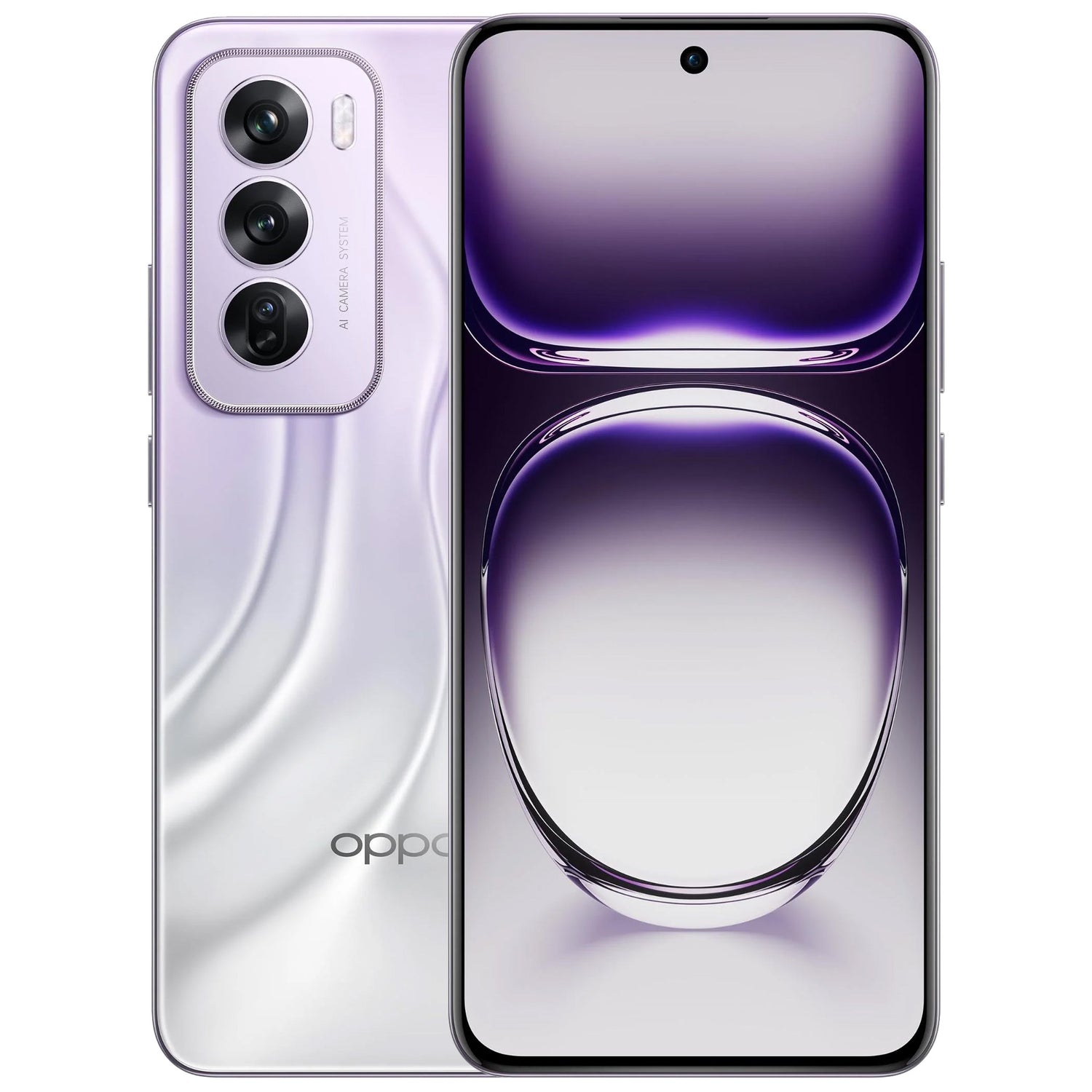
MEZONThe OPPO Reno12 Pro 5G still stands out for its slim profile, four-sided curved AMOLED display and portrait-focused camera system. Those same features also make precise accessory fit important. This 2026 guide covers the case and screen protector choices currently available from MEZON.
1. Make sure yours is the Reno12 Pro 5G
Reno12 and Reno12 Pro accessories should not be treated as interchangeable.
- Open Settings → About device.
- Check the device name.
- Confirm that it says OPPO Reno12 Pro 5G.
2. OPPO Reno12 Pro 5G at a glance
The Pro model pairs a 6.7-inch curved AMOLED display with a more advanced camera system and premium cover glass.
- 6.7-inch FHD+ AMOLED: 2412 × 1080 resolution with up to 120Hz refresh rate.
- Four-sided curved display: OPPO uses a flexible AMOLED panel with curved edges around the front.
- Gorilla Glass Victus 2: Stronger premium cover glass, but still not immune to scratches or chips.
- 50MP OIS main camera: Joined by an 8MP ultra-wide and 50MP telephoto camera, plus a 50MP autofocus selfie camera.
- Dimensity 7300-Energy: Efficient 5G platform shared with the Reno12 family.
- 5000mAh battery: Supported by 80W SUPERVOOC charging.
- Thin and light: Approximately 7.4–7.45mm thick and around 180–181g depending on colour.
3. The Pro’s curved display changes the protection decision
On a four-sided curved screen, edge fit matters more than on a completely flat display. Flexible hydrogel film naturally follows the contour more closely, while tempered glass provides the firmer feel some users prefer.
OPPO also notes that the phone’s hidden light sensor sits beneath the upper display area. Very dark or poor-light-transmission third-party protectors can interfere with sensing, so a correctly designed clear protector is the safer choice.
4. Case options for OPPO Reno12 Pro 5G
MEZON lists clear and black slim TPU cases for the Pro.
4.1. Clear TPU gel case
- transparent finish to preserve the original look;
- flexible TPU for everyday shock absorption and grip;
- slim construction suited to the Pro’s thin body;
- precise camera and port cut-outs;
- wireless-charging-compatible case design.

A black TPU case is also available in the MEZON Reno12 Pro 5G range.
5. Screen protector options
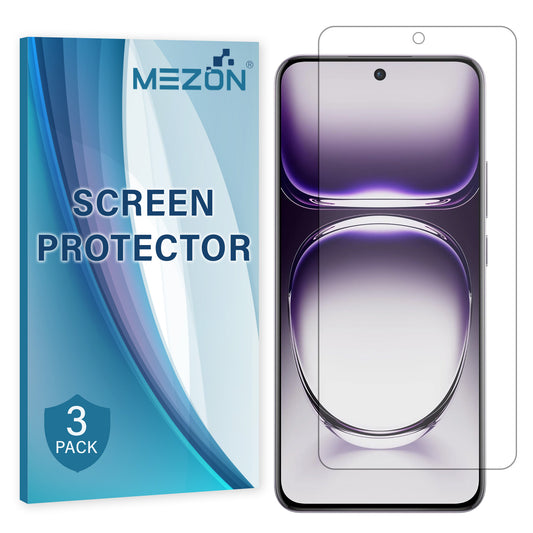
5.1. Hydrogel film
Hydrogel is a practical match for the curved display because it is thin and flexible.
- edge-to-edge flexible coverage;
- ultra-clear finish;
- case-friendly low-profile construction;
- 3-pack for future replacement.
5.2. Full-cover tempered glass
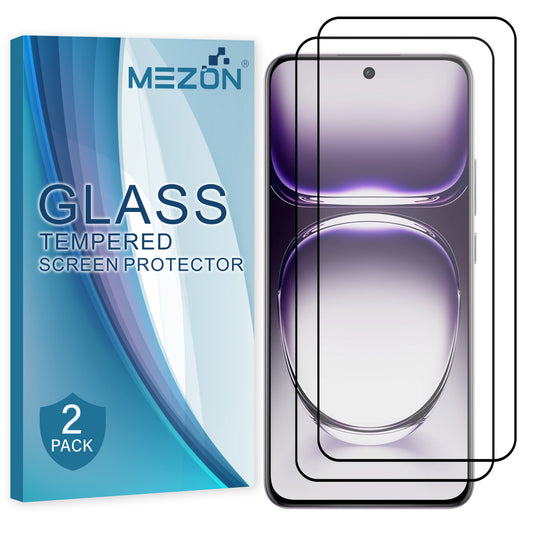
Full-cover glass is for users who prefer a rigid 9H surface and a more traditional glass feel.
- hard scratch-resistant surface;
- broad front-screen coverage;
- clear viewing and responsive touch when correctly installed;
- 2-pack for a spare protector.
6. Which one is right for you?
| Feature | Hydrogel film | Full-cover tempered glass |
|---|---|---|
| Thickness | Very thin | Thicker |
| Feel | Flexible film | Hard glass-like surface |
| Scratch protection | Good for everyday marks | Stronger hard-surface protection |
| Edge behaviour | Flexible around the display | Rigid edge-to-edge coverage |
| Best for | Minimal thickness and flexibility | Users who prefer a firm glass surface |
For the Reno12 Pro, hydrogel is the most natural choice if curved-edge flexibility is your priority. Full-cover glass is better if you strongly prefer a harder surface.
7. Installation tips & common mistakes to avoid
Protector material matters, but preparation and alignment matter just as much. A few extra minutes before installation can prevent most dust, lifting and bubble problems.
- Wash and dry your hands before starting.
- Work on a clean, stable surface away from open windows, fans and airborne dust.
- Clean the display thoroughly with the supplied cleaning materials.
- Remove every visible dust particle before exposing the adhesive side.
- Check the top, bottom and camera/sensor alignment before applying the protector fully.
- For hydrogel or film protectors, apply progressively and use the installation card to smooth the material across the display.
- For tempered glass, do a dry alignment check first, then lower the glass evenly and let the adhesive spread naturally.
- Avoid repeatedly lifting and repositioning the protector, as this can introduce dust and weaken adhesion.
- Use only a clear, correctly designed protector around the upper display area; very dark or poor-light-transmission material can interfere with the phone's hidden light sensor.
- If you also use a case, install the screen protector first and confirm that the case edge does not push against it.
8. Recommended Reno12 Pro 5G protection from MEZON
|
Clear TPU Gel Case Protects the body and camera area while preserving the phone’s premium appearance. |
|
3-Pack Hydrogel Film Our thin flexible choice for the four-sided curved display. |
|
2-Pack Full-Cover Tempered Glass Hard 9H protection for users who prefer a glass surface. |
9. FAQ: OPPO Reno12 Pro 5G accessories
Can Reno12 accessories fit the Reno12 Pro?
No. Choose accessories specifically labelled for Reno12 Pro 5G.
Why does protector transparency matter?
OPPO notes that poor-light-transmission material can interfere with the hidden light sensor beneath the upper display area.
Hydrogel or glass for the curved screen?
Hydrogel offers more flexibility around curved edges; glass gives a firmer surface.
Does Victus 2 mean I can skip a protector?
Victus 2 improves durability, but a protector still provides a replaceable layer against normal scratches and scuffs.
Should the case be installed before or after the protector?
Install the protector first, then fit the case and check that the case edge is not lifting it.
See all current choices in the OPPO Reno12 Pro 5G accessories collection at MEZON.