

OPPO A78 4G Cases & Screen Protectors: Complete Guide
MEZONThe OPPO A78 4G is very different from the A78 5G despite the shared name. The 4G model uses a smaller FHD+ AMOLED display, Snapdragon 680 and 67W charging. MEZON currently offers one clear TPU case plus five screen protector formats, giving you a broad choice without needing to mix accessories from other models.
1. Check that yours is the 4G A78
OPPO’s official Australian name is OPPO A78 (CPH2565); MEZON adds 4G to distinguish it from the separate A78 5G. Check Settings → About device before ordering.
2. OPPO A78 4G at a glance
- 6.43-inch FHD+ AMOLED: 2400 × 1080 resolution at up to 90Hz.
- 409 PPI: A relatively sharp panel for an A-series phone.
- Gorilla Glass 5: Useful built-in screen durability, but still worth protecting from daily wear.
- 50MP main camera: Supported by a 2MP portrait camera.
- Snapdragon 680: Efficient 4G platform for everyday use.
- 5000mAh battery: Paired with fast 67W SUPERVOOC charging.
- In-display optical sensor: Protector thickness and clean installation matter more because biometric sensing happens through the screen.
- Approximately 180g: Lightweight enough that a slim clear case keeps the phone easy to carry.
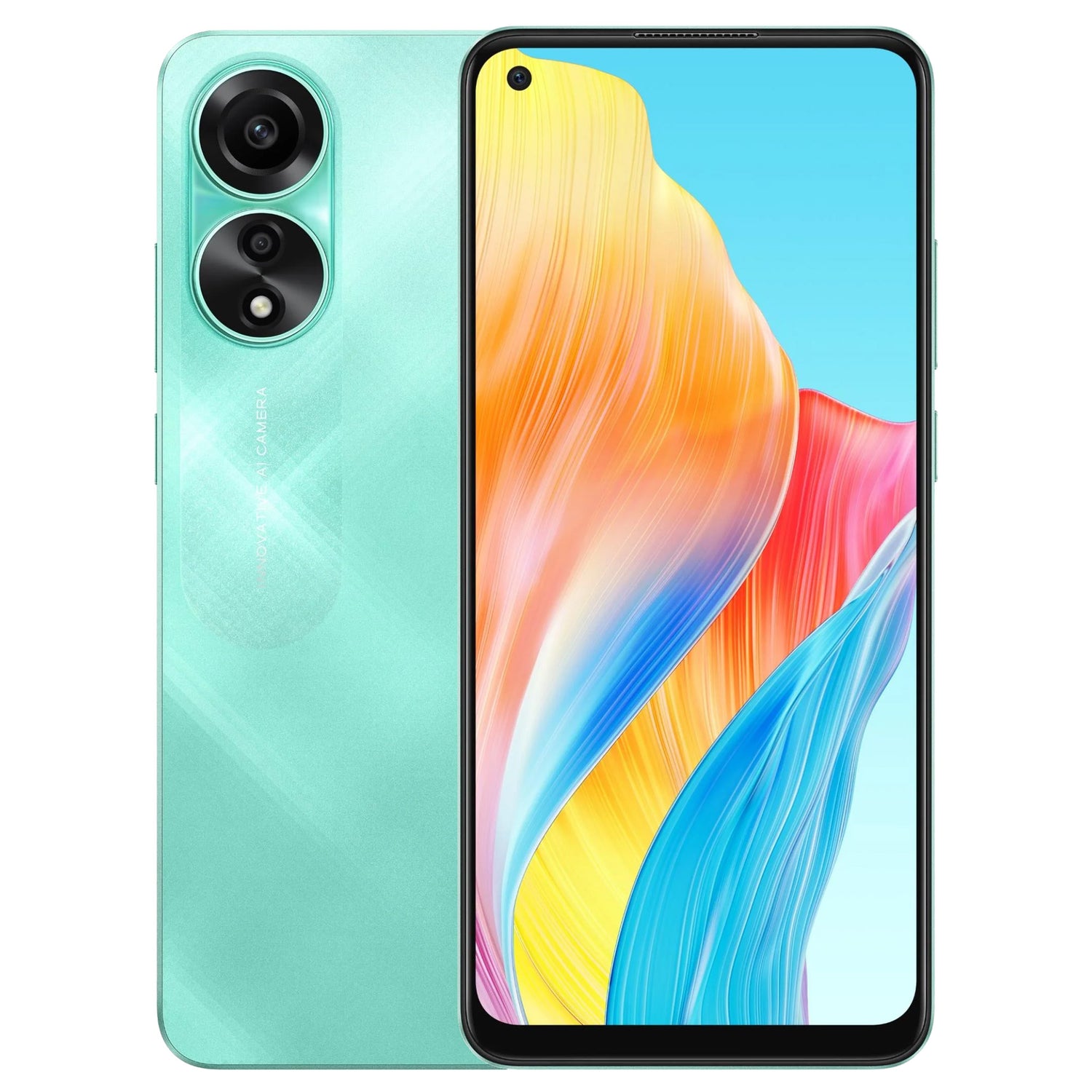
3. Why the 4G/5G distinction matters here
The A78 4G and A78 5G use different displays, processors and dimensions. Accessories should be treated as model-specific; the shared “A78” name is not enough to guarantee fit.
4. Current case option: clear TPU
The live MEZON collection currently lists a clear slim TPU case for the A78 4G.

The clear design keeps the phone colour visible while adding grip, corner protection and separation around the rear camera area.
5. Five screen protector options
5.1. Ultra-clear film
Ultra-clear film is the lowest-profile glossy option.
5.2. Matte film
Matte film is designed for reduced glare and fewer visible fingerprints.
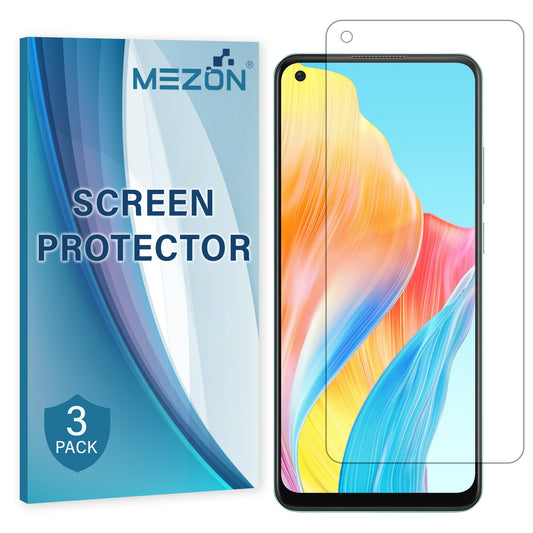
5.3. Hydrogel film
Hydrogel film combines flexible close coverage with very little thickness.
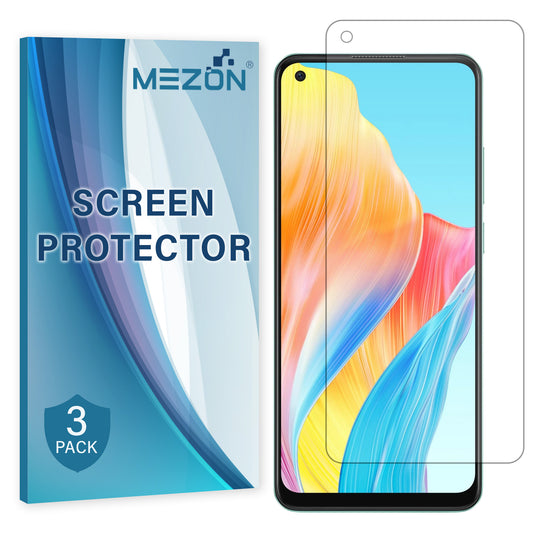
5.4. Case-friendly tempered glass
Case-friendly tempered glass gives more perimeter clearance for the clear case.
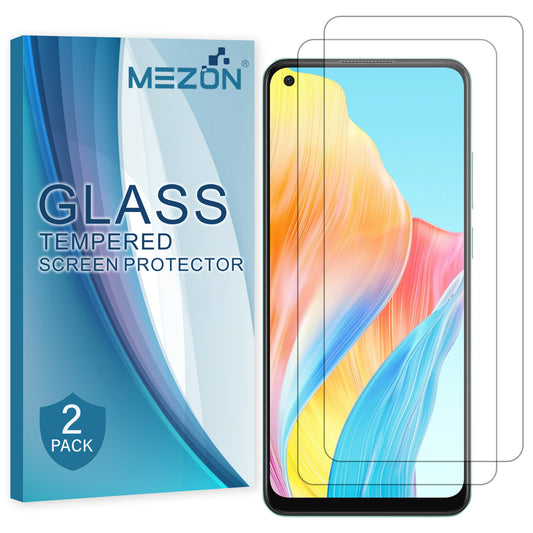
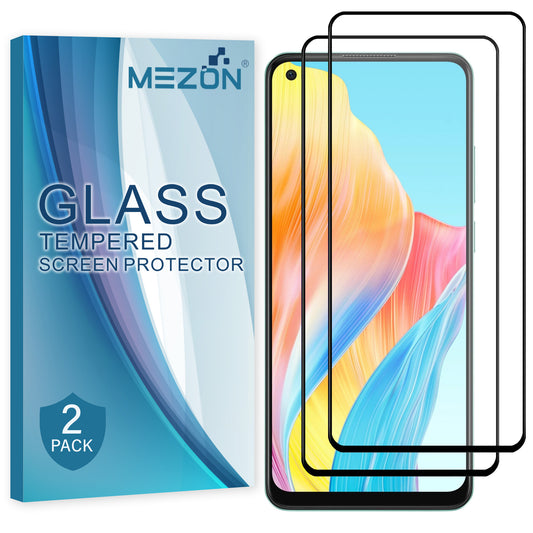
5.5. Full-cover tempered glass
Full-cover tempered glass extends farther towards the edges for broader hard-glass coverage.
6. Choosing around the in-display fingerprint sensor
| Protector | Main advantage | Best for |
|---|---|---|
| Ultra-clear film | Very thin glossy protection | Minimal visual change |
| Matte film | Reduces reflections and visible fingerprints | Bright environments |
| Hydrogel film | Flexible, close-fitting protection | Minimal thickness and case compatibility |
| Case-friendly tempered glass | Hard 9H glass with more edge clearance | Tightly fitted cases |
| Full-cover tempered glass | Broader hard-glass coverage | Users who prefer a rigid glass surface |
Because the A78 4G uses an optical in-display sensor, thin film or hydrogel can be attractive if fingerprint responsiveness is your priority. Tempered glass is still an option, but test fingerprint recognition after installation.
7. Installation tips & common mistakes to avoid
Most installation problems come from dust or alignment rather than the protector itself. A clean setup makes a noticeable difference.
- Wash and dry your hands before starting.
- Work on a clean surface away from fans, open windows and airborne dust.
- Clean the screen thoroughly with the supplied cleaning materials.
- Remove every visible dust particle before exposing the adhesive side.
- Check orientation and alignment before applying the protector fully.
- For film and hydrogel, apply progressively and use the installation card to smooth the protector across the display.
- For tempered glass, do a dry alignment check first, then lower the glass evenly and let the adhesive spread.
- Avoid repeatedly lifting and repositioning the protector, as this can introduce dust or weaken adhesion.
- After installation, test the in-display fingerprint reader and re-register your fingerprint if recognition becomes less consistent. OPPO also warns that dark material near the upper display can interfere with its hidden light sensor.
- If you also use a case, install the protector first and check that the case edge does not push against it.
8. Recommended A78 4G combinations
Minimal feel: clear TPU case + hydrogel or ultra-clear film.
Reduced glare: clear case + matte film.
Hard glass with good case clearance: clear case + case-friendly tempered glass.
9. FAQ: OPPO A78 4G protection
Is OPPO A78 4G the same phone as OPPO A78 5G?
No. They are separate devices and require model-specific accessories.
Does the A78 4G have an in-display fingerprint sensor?
Yes. OPPO lists an in-display optical sensor for the 4G A78.
Which protector is best for fingerprint use?
Thin film and hydrogel add the least material, but any correctly fitted option should be tested after installation.
Does MEZON currently list a black case?
The live collection currently lists a clear TPU case, not a black one.
Which protector is best with the clear case?
Case-friendly tempered glass gives the most deliberate edge clearance; hydrogel is also very case friendly.
Shop the current OPPO A78 4G accessories collection at MEZON.