

Nothing Phone (4a) Cases & Screen Protectors: Complete Guide
MEZONThe Nothing Phone (4a) is built around Nothing’s distinctive transparent-inspired design, a bright flexible AMOLED display and a powerful zoom camera system. If you want to keep the phone looking clean without covering up what makes it visually different, choosing the right case and screen protector matters. This guide compares the protection options currently available from MEZON.
1. Confirm that you have the Nothing Phone (4a)
Nothing’s recent phones share a strong family resemblance, but accessories are model-specific. Before ordering:
- Open Settings.
- Open About phone.
- Check the device name.
- Confirm that it says Phone (4a), not Phone (4a) Pro, Phone (3a) or Phone (3a) Pro.
Even small changes in dimensions, camera layout or edge shape can affect fit.
2. Nothing Phone (4a) at a glance
Phone (4a) combines a large 1.5K flexible AMOLED display with an adaptive 30–120Hz refresh rate and very high peak brightness. It also uses a 50MP OIS periscope camera with 3.5× optical zoom, alongside Nothing’s distinctive transparent design language.
- Bright 1.5K AMOLED display: A clear protector helps preserve the sharp, high-contrast appearance of the screen.
- Adaptive 30–120Hz refresh: Smooth scrolling and animation make touch responsiveness worth preserving.
- 50MP OIS periscope camera: The camera system supports 3.5× optical zoom and extends much farther digitally, so protecting the rear camera area is worthwhile.
- 5080mAh battery: The Australian/global version uses a high-capacity battery with fast wired charging for heavy everyday use.
- IP64 protection: Dust and splash resistance improve resilience, but do not prevent scratches, chips or all drop damage.
- Premium glass-and-metal construction: A case helps protect the surfaces that give the phone its distinctive appearance.
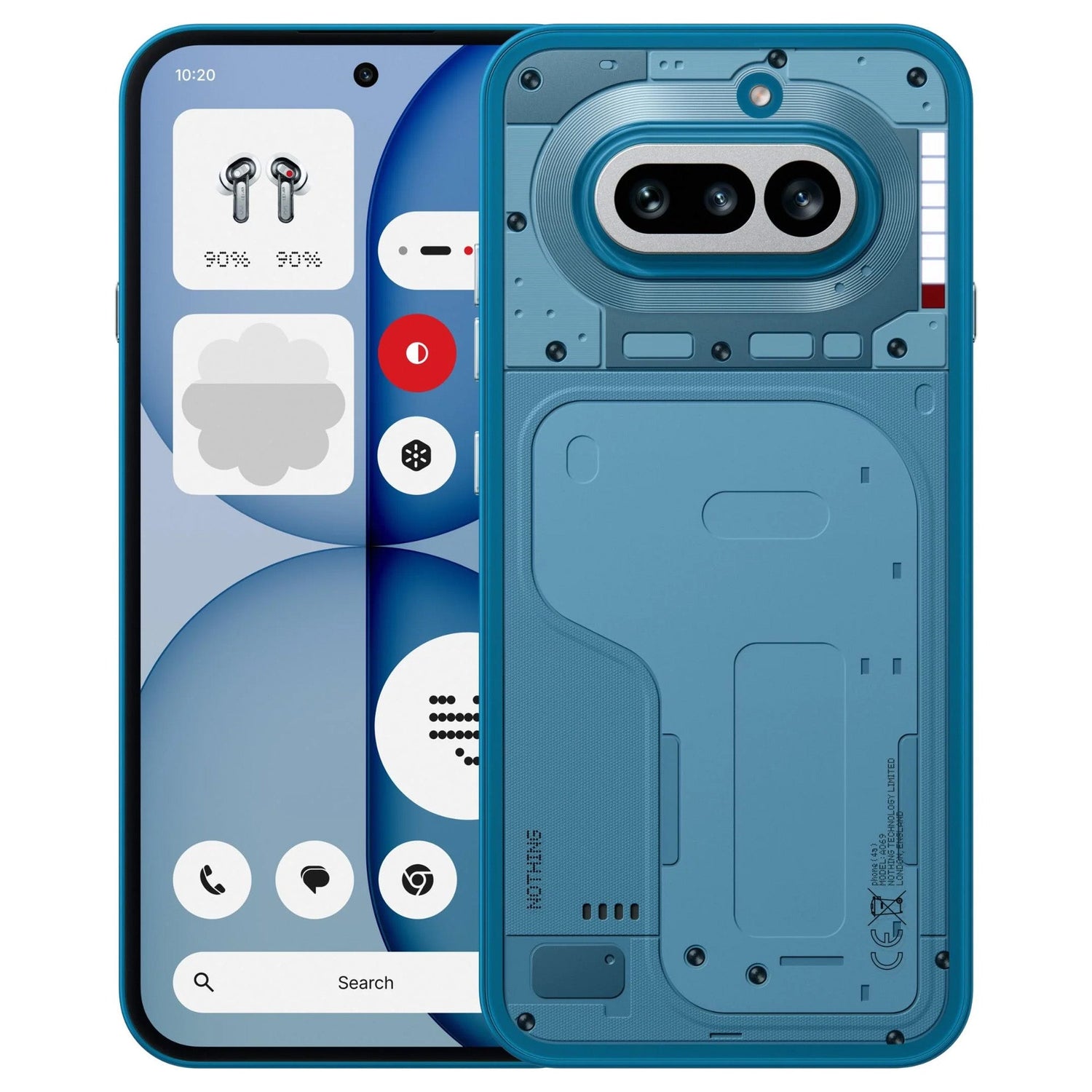
3. Protect the design without hiding it
Nothing phones are unusual because the back is part of the visual identity. For that reason, many owners prefer protection that does not turn the phone into a generic black rectangle.
A clear TPU case is the obvious choice if you want to keep the original design visible. MEZON also lists a black TPU option for users who prefer a darker, more understated look.
Whichever colour you choose, a slim flexible case adds grip, protects the corners and helps keep the rear camera area away from hard surfaces.
4. Case options for Nothing Phone (4a)
4.1. Clear TPU gel case
MEZON’s crystal-clear TPU case is designed around the Phone (4a) and keeps the original rear design visible while adding everyday protection.
- Transparent finish: Shows the original phone design.
- Flexible TPU construction: Adds grip and helps absorb minor knocks.
- Slim profile: Avoids the bulk of a heavy-duty case.
- Precise cut-outs: Designed around the Phone (4a) camera, ports and controls.
- Wireless-charging compatible design: No need to remove the case for compatible charging accessories.
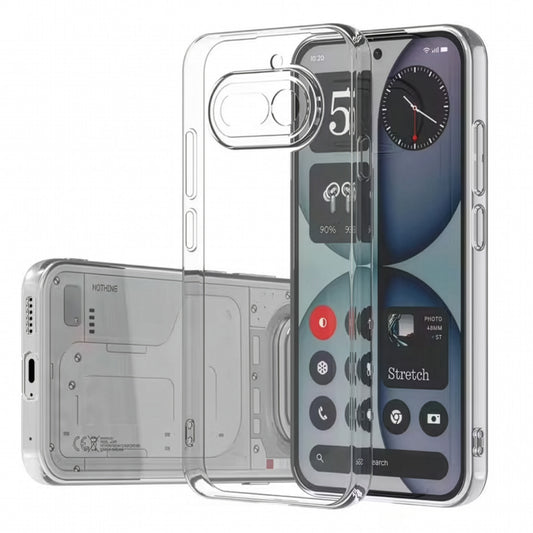
Also available: a black TPU gel case for users who prefer an opaque finish. See both options in the Nothing Phone (4a) collection.
5. Five ways to protect the Phone (4a) screen
MEZON currently offers five screen-protection formats for this model, ranging from very thin films to hard tempered glass.
5.1. Ultra-clear film
The 3-pack ultra-clear film is a straightforward choice if you want a thin, glossy layer with minimal visual change. It is case friendly and suitable for everyday scratch protection.
5.2. Anti-glare matte film
The 3-pack matte film reduces reflections and makes fingerprints less noticeable. The trade-off is a slightly softer, less glossy screen appearance.
5.3. Hydrogel film
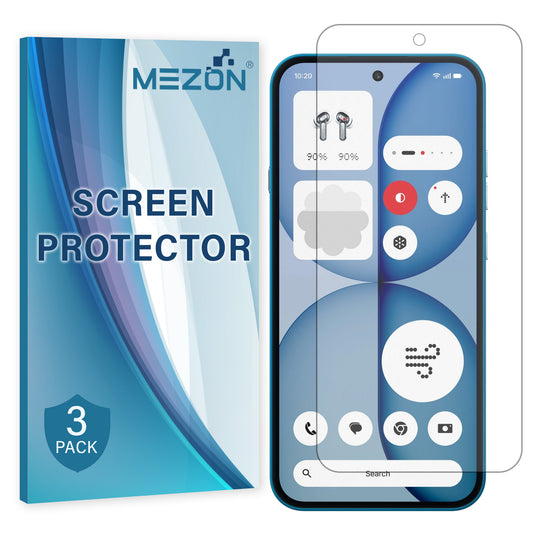
The 3-pack hydrogel film is the most flexible film option, designed for close edge-to-edge coverage while adding very little thickness.
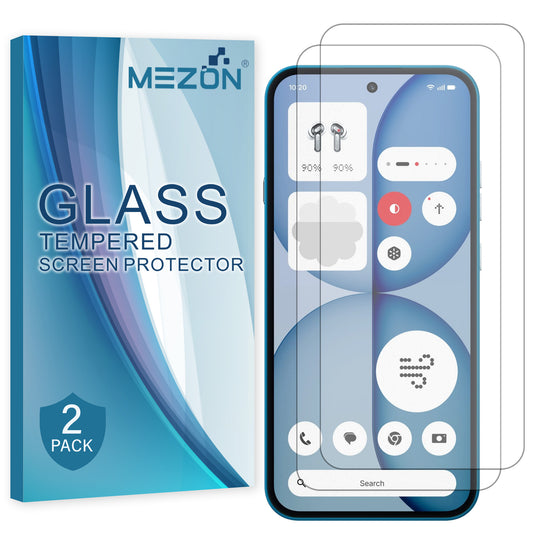
5.4. Case-friendly tempered glass
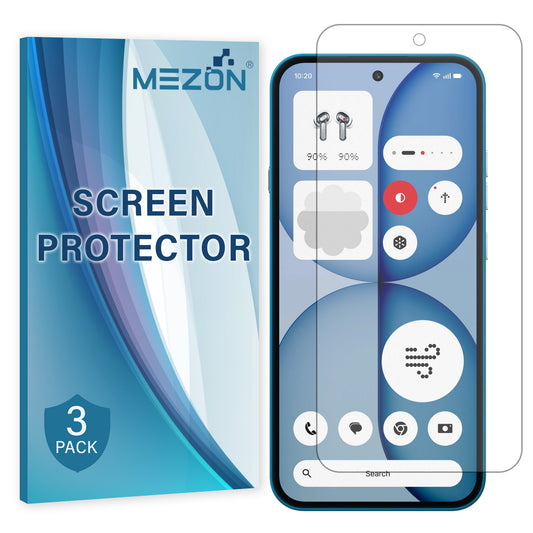
The 2-pack case-friendly tempered glass uses a hard 9H glass surface while leaving extra clearance around the outer edge for closely fitted cases.
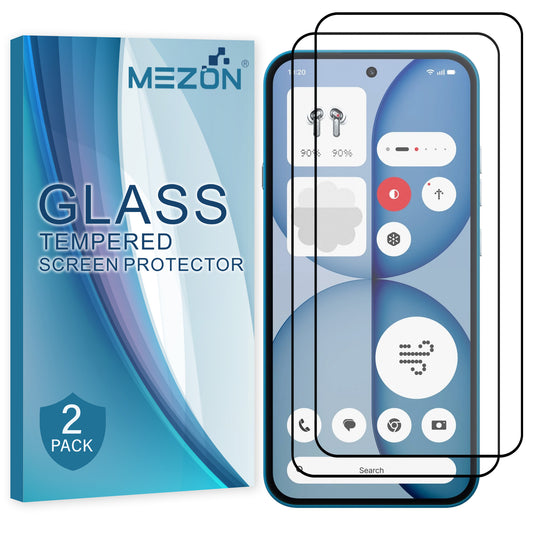
5.5. Full-cover tempered glass
The 2-pack full-cover tempered glass extends farther towards the edges and suits users who want broader hard-glass coverage.
6. Which protector should you choose?
| Protector | Main advantage | Best for |
|---|---|---|
| Ultra-clear film | Very thin with a glossy transparent finish | Users who want a simple film layer with minimal visual change |
| Matte film | Reduces reflections and visible fingerprints | Bright environments and users who prefer a less glossy screen |
| Hydrogel film | Flexible, close-fitting and edge-to-edge | Minimal thickness and easy case compatibility |
| Case-friendly tempered glass | Hard 9H glass with extra perimeter clearance | Tightly fitted cases |
| Full-cover tempered glass | Broader hard-glass coverage | Users who prefer a rigid glass feel and more edge coverage |
For most users, the decision comes down to feel: choose film if you want minimal thickness, or tempered glass if you prefer a harder surface. Matte film is the specialist option for glare reduction.
7. Installation tips for a cleaner result
Even the best protector can look disappointing if dust or poor alignment gets underneath it. A few extra minutes of preparation usually make the biggest difference.
- Wash and dry your hands before starting.
- Work on a clean, stable surface away from open windows and fans.
- Clean the display thoroughly with the supplied cleaning materials.
- Use the dust-removal sticker to pick up any remaining particles.
- Check the top, bottom and camera/sensor alignment before applying the protector fully.
- For film protectors, apply progressively rather than pressing the whole surface down at once.
- For tempered glass, do a dry alignment check first and lower the glass evenly onto the screen.
- Avoid repeatedly lifting and reapplying the protector, as this can introduce dust and reduce adhesion.
- After installation, test fingerprint unlocking. If recognition is less consistent, re-register your fingerprint with the protector fitted.
- If you also use a case, fit the protector first and then check that the case edge does not push against it.
8. Recommended Nothing Phone (4a) protection from MEZON
|
Clear TPU Gel Case Best for showing off the Nothing design while adding grip and light impact protection. |
|
3-Pack Hydrogel Film Thin, flexible and close-fitting for users who dislike bulky screen protection. |
|
3-Pack Matte Film Useful if reflections and fingerprints bother you more than a perfectly glossy finish matters. |
|
2-Pack Case-Friendly Tempered Glass Hard 9H glass with extra room around the perimeter for cases. |
|
2-Pack Full-Cover Tempered Glass Broader hard-glass coverage for users who prefer a rigid protector. |
9. FAQ: Nothing Phone (4a) cases & screen protectors
Can Phone (4a) Pro accessories be used on Phone (4a)?
No. Treat the two phones as separate models and choose accessories specifically listed for Phone (4a).
Clear case or black case?
Choose clear if showing the original design is the priority. Choose black if you prefer a darker, more understated finish.
Hydrogel or tempered glass?
Hydrogel is thinner and more flexible. Tempered glass provides a harder surface and more traditional glass feel.
What is the point of matte film?
Matte film reduces glare and visible fingerprints. It slightly changes the glossy appearance of the display, so it is best for users who value reduced reflections.
Which glass works best with a tight case?
The case-friendly tempered glass is specifically shaped to leave more perimeter clearance.
See all current options in the Nothing Phone (4a) accessories collection at MEZON.