

Motorola Moto G57 5G Cases & Screen Protectors: Complete Guide
MEZONPicked up a Motorola Moto G57 5G and want to keep its large 120Hz display protected from everyday scratches and knocks? In this 2026 guide, we’ll help you confirm the exact model, explain what to look for in a case, and compare the three screen protector options currently available from MEZON.
1. Make sure you have the right Motorola Moto G57 5G model
Motorola’s Moto G range includes several closely related devices, so it is worth checking the exact phone before ordering accessories.
To check your Motorola model:
- Open Settings.
- Scroll to About phone.
- Check the device name and model information.
- Confirm that your phone is the moto g57 5G.
If that matches, the fit guidance and products below are for your device.
2. Motorola Moto G57 5G at a glance
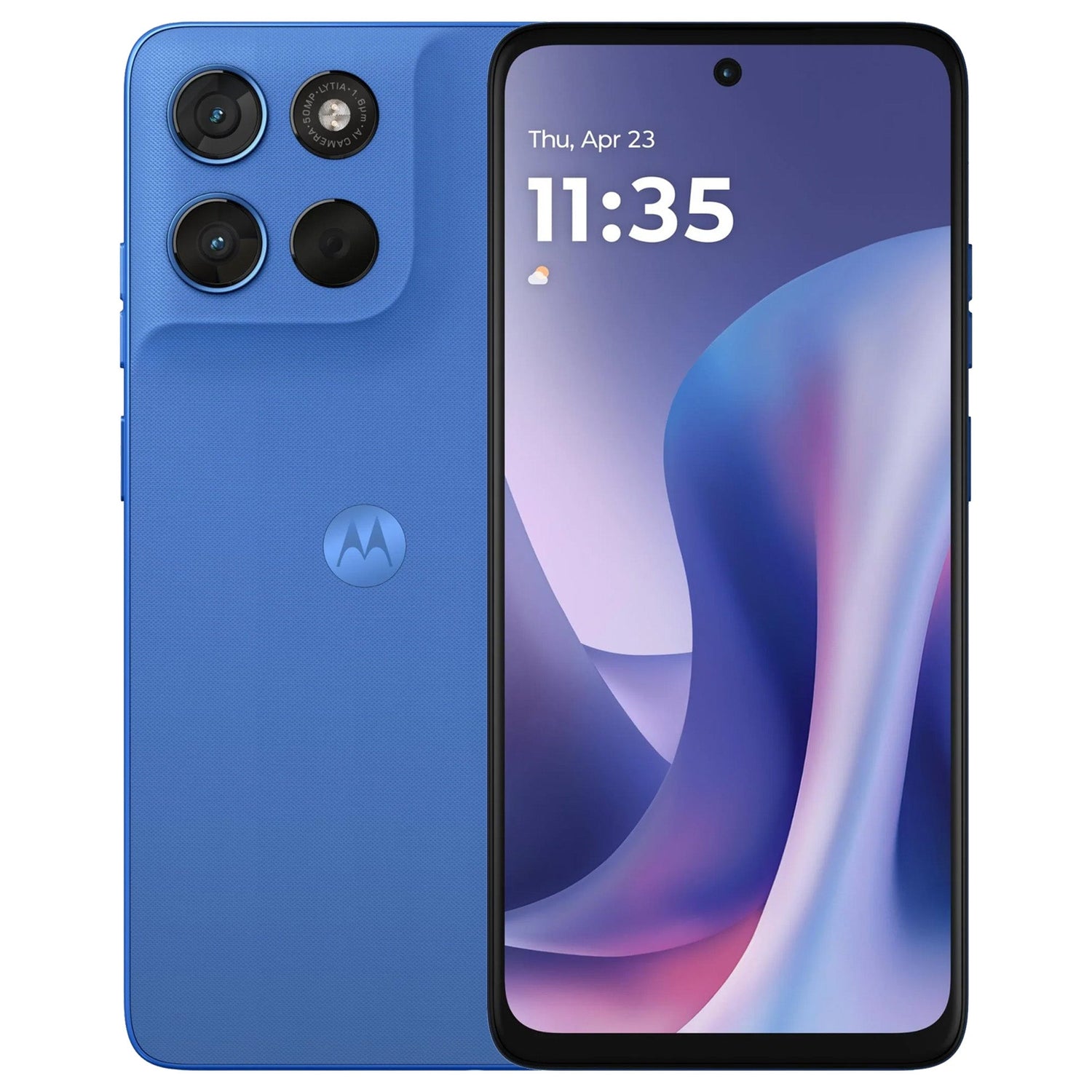
The moto g57 5G is designed as a durable everyday phone with a large display, a Sony LYTIA camera, long battery life and modern 5G performance.
Key details that matter when choosing protection:
- 6.7-inch FHD+ display: The large screen runs at up to 120Hz, so there is plenty of front surface worth protecting while preserving smooth touch response.
- Up to 1050 nits High Brightness Mode: A clear protector helps preserve outdoor visibility and the original look of the display.
- Corning Gorilla Glass 7i: Motorola highlights improved drop performance, but the display can still collect everyday scratches and scuffs.
- 50MP Sony LYTIA 600 main camera: The phone also includes an ultra-wide/macro camera, so a well-fitted case with camera clearance is useful.
- Snapdragon 6s Gen 4: Motorola positions the g57 as the first smartphone using this platform, with 5G connectivity and improved performance.
- 5200mAh battery: Motorola advertises up to 47 hours of use and TurboPower 30 charging.
- IP64 and military-grade durability: Protection against dust, splashes and tested drops adds reassurance, but does not eliminate the need for cosmetic protection.
- Side fingerprint sensor: The fingerprint reader is built into the power button, so the screen protector itself does not sit over the sensor.
3. Why additional protection still makes sense
Built-in durability helps the phone survive normal life, but many common marks come from situations that durability ratings do not prevent: grit in a pocket, keys in a bag, a hard desktop or a small drop onto an edge.
Protecting the display
A screen protector becomes the replaceable outer layer that takes scratches and scuffs before they reach the original screen.
Protecting corners and the camera area
A well-fitting case can add grip and help reduce direct impact around the frame and rear camera section.
Keeping the phone looking newer
Preventing cosmetic wear from the beginning is easier than trying to hide it later.
4. Choosing a case for Motorola Moto G57 5G
MEZON’s current Moto G57 5G collection lists screen protectors rather than a case. If you are choosing a case elsewhere—or if MEZON adds one later—focus on exact model fit.
- Correct Moto G57 5G fit: Do not assume a Moto G56, G67 or another Moto G case will fit.
- Power-button access: Because the fingerprint sensor is integrated into the power button, the case should not obstruct that area.
- Raised screen and camera edges: These help reduce direct contact when the phone is placed on hard surfaces.
- Flexible side protection: TPU-style materials can add grip and cushioning without excessive bulk.
- Port and speaker alignment: Check that cut-outs match the phone precisely.
5. Screen protector options for Motorola Moto G57 5G
MEZON currently offers three screen protector styles for the Moto G57 5G: hydrogel film, case-friendly tempered glass and full-cover tempered glass.
5.1. Clear hydrogel film
Hydrogel is the thinnest and most flexible option. It is designed for close screen coverage while adding very little bulk.
- Edge-to-edge coverage: Designed to protect the screen closely across the front surface.
- Ultra-clear finish: Helps preserve screen clarity and colour.
- Case friendly: Thin construction leaves plenty of clearance around case edges.
- Flexible everyday protection: A practical choice for scratches and scuffs.
- 3-pack: Includes spare protectors for replacement or another installation.
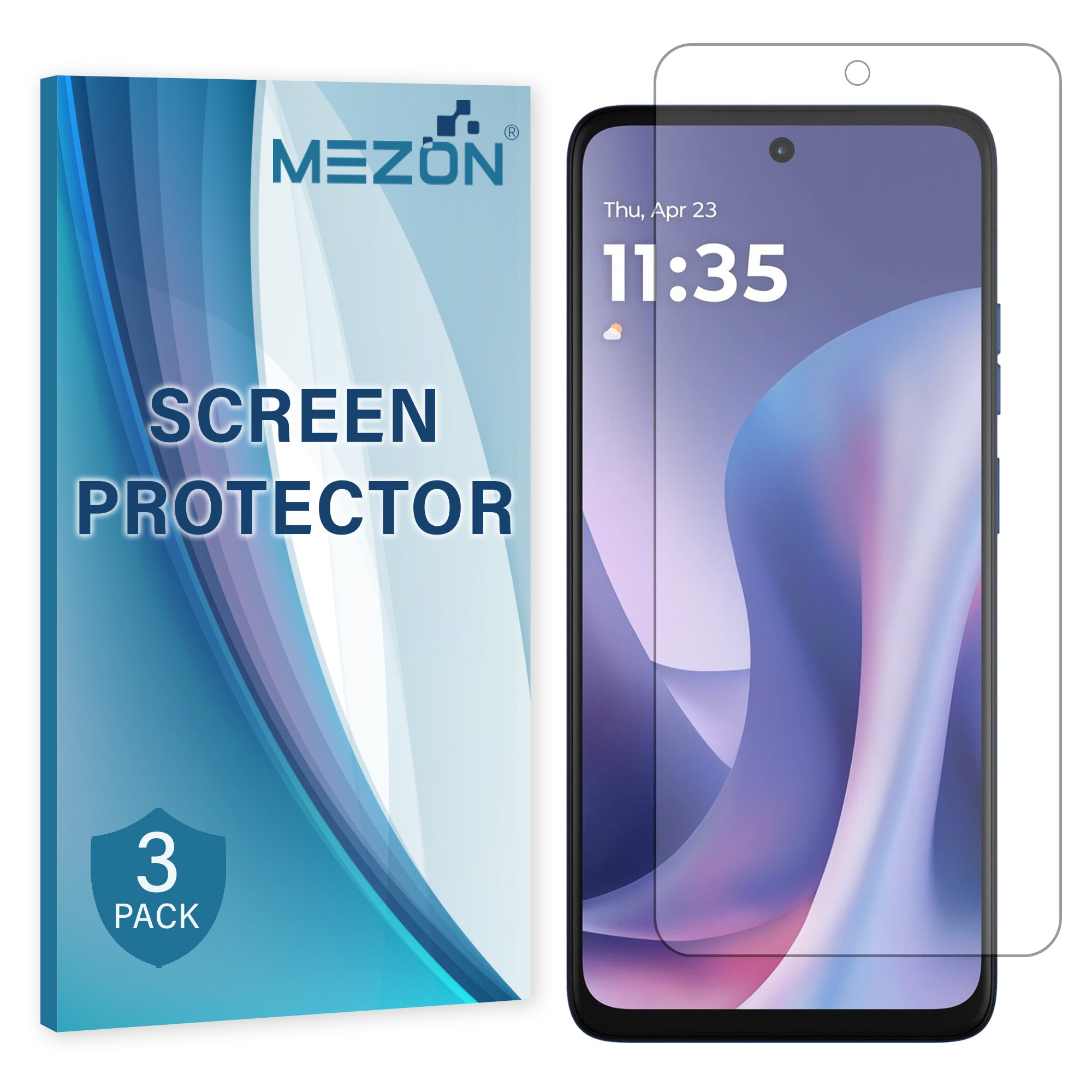
Recommended from MEZON: [3 Pack] Hydrogel Film for Motorola Moto G57 5G
5.2. Case-friendly tempered glass
Case-friendly tempered glass is a good choice if you prefer the harder feel of glass and plan to use a case that fits closely around the display.
- 9H hard-glass surface: Designed for stronger scratch resistance than flexible film.
- Clear display: Maintains a glass-like viewing and touch experience.
- Extra case clearance: Covers the flatter central area while leaving more room around the perimeter.
- 2-pack: Provides a spare protector for future replacement.
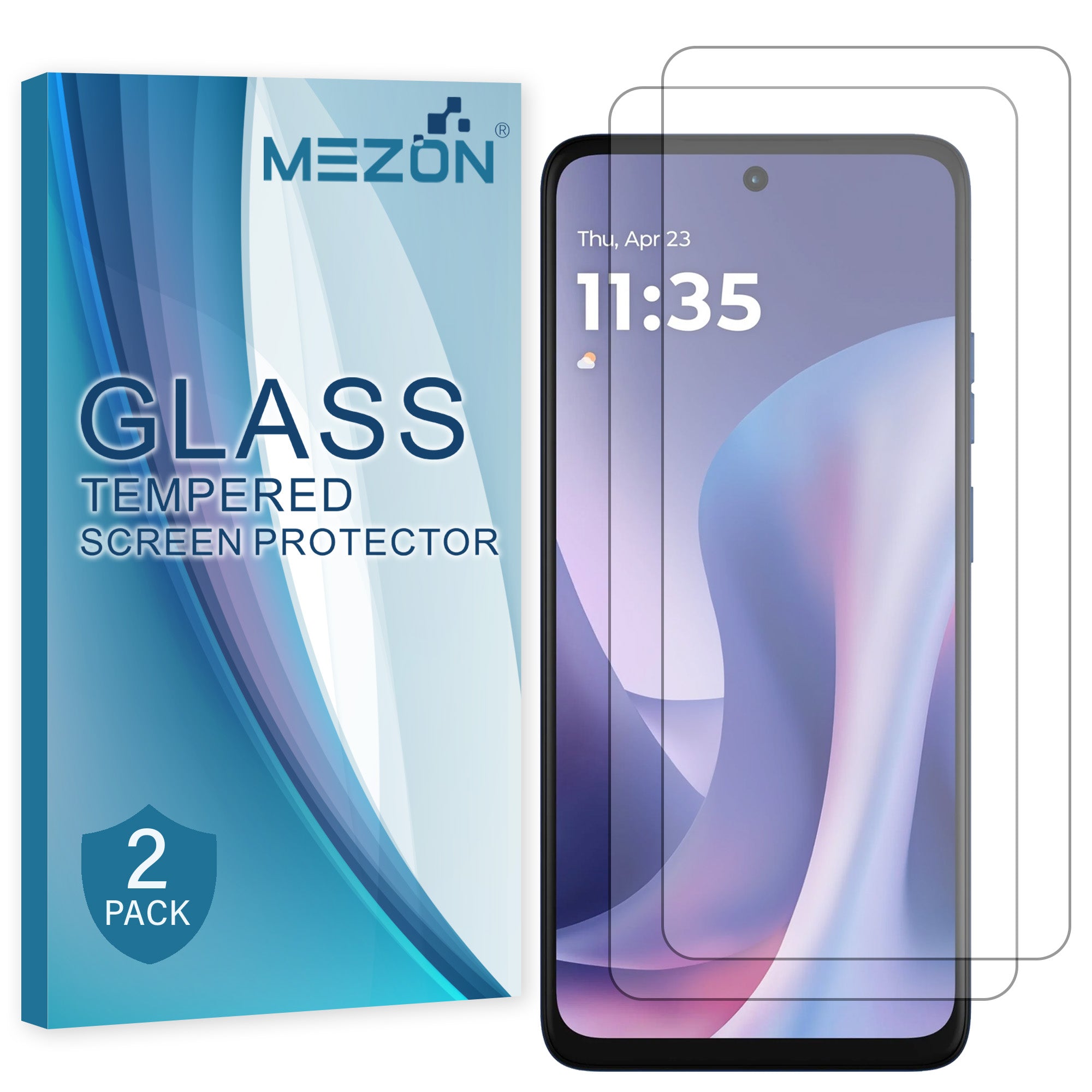
Recommended from MEZON: [2 Pack] Case-Friendly Tempered Glass for Motorola Moto G57 5G
5.3. Full-cover tempered glass
Full-cover tempered glass extends farther towards the screen edges for users who prefer broader hard-glass coverage.
- Fuller screen coverage: Designed for a more edge-to-edge protected appearance.
- 9H scratch resistance: Helps defend the surface from everyday hard objects.
- Glass-like feel: Suitable for users who prefer a rigid protector rather than flexible film.
- 2-pack: Includes a second protector for replacement.
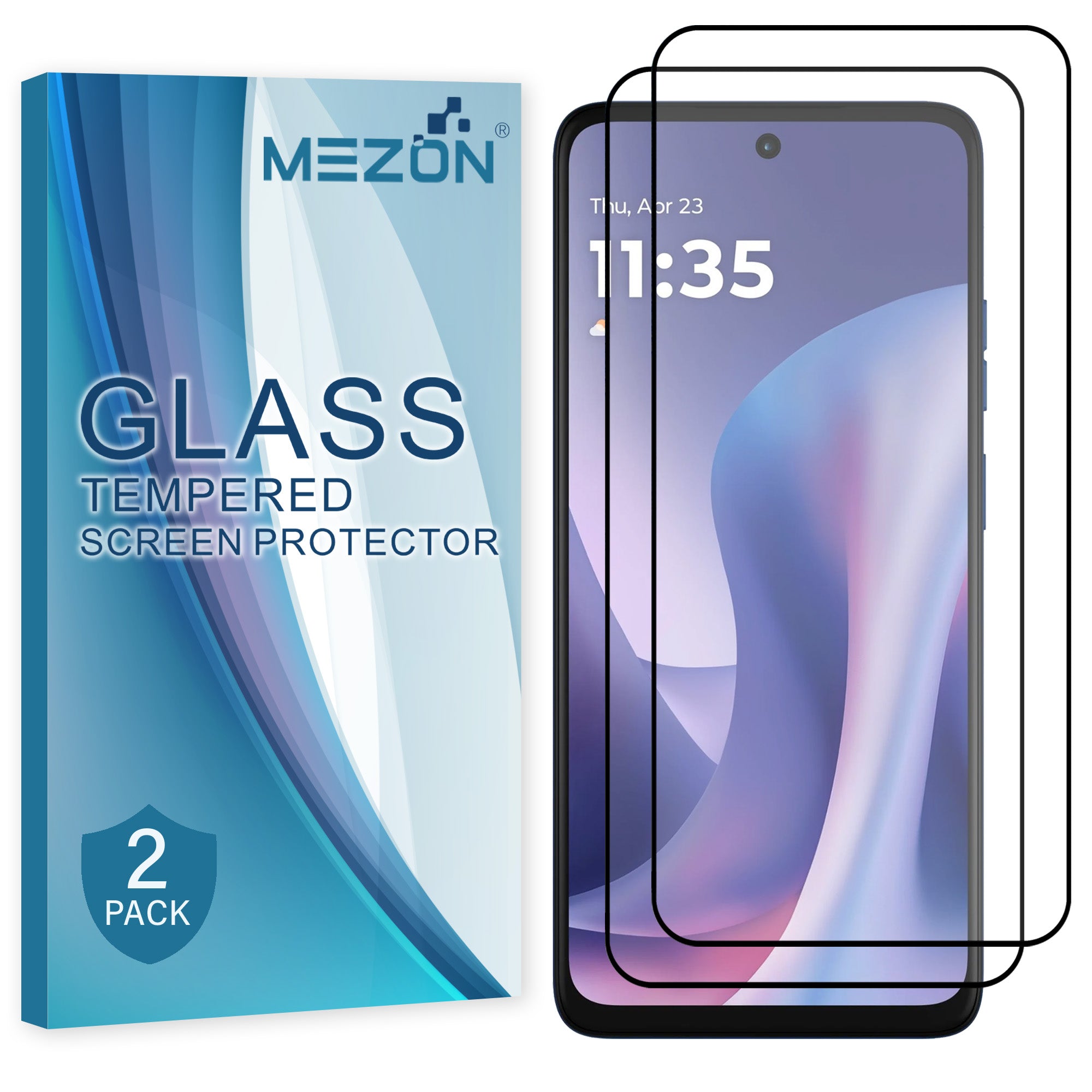
Recommended from MEZON: [2 Pack] Full-Cover Tempered Glass for Motorola Moto G57 5G
6. Which Moto G57 5G screen protector should you choose?
| Option | Coverage & feel | Best for |
|---|---|---|
| Hydrogel film | Very thin, flexible and close-fitting | Minimal thickness and easy case compatibility |
| Case-friendly tempered glass | Hard 9H glass with more clearance around the perimeter | Users who want glass protection with a tightly fitted case |
| Full-cover tempered glass | Hard 9H glass extending farther towards the edges | Users who prefer broader glass coverage |
Choose hydrogel if you want the thinnest option. Choose case-friendly tempered glass if your case fits tightly around the screen. Choose full-cover tempered glass if you prefer broader hard-glass coverage.
7. Installation tips & common mistakes to avoid
Good preparation is just as important as the protector material. A clean display and careful alignment help prevent dust, lifting and visible bubbles.
- Wash and dry your hands before starting.
- Work in a clean room away from open windows, fans and airborne dust.
- Clean the display thoroughly with the supplied cleaning materials.
- Remove every visible dust particle before exposing the adhesive surface.
- Check the protector orientation and camera/sensor alignment before applying the full surface.
- For hydrogel film, use the installation card to smooth the protector progressively across the display.
- For tempered glass, do a dry alignment check first, then lower the glass evenly and let the adhesive spread.
- Avoid repeatedly lifting and repositioning a protector, as this can introduce dust or weaken adhesion.
- Because the Moto G57 fingerprint sensor is in the side power button, screen protector installation does not cover the fingerprint reader.
- If you also use a case, fit the screen protector first and confirm that the case edge does not push against it.
8. Recommended Motorola Moto G57 5G screen protectors from MEZON
|
[3 Pack] Clear Hydrogel Film Ultra-thin flexible protection with close coverage and easy case compatibility. |
|
[2 Pack] Case-Friendly Tempered Glass Hard 9H glass with extra clearance around the perimeter for a tightly fitted case. |
|
[2 Pack] Full-Cover Tempered Glass Hard glass extending farther towards the display edges for broader coverage. |
9. FAQ: Motorola Moto G57 5G cases & screen protectors
Is moto g57 the same as Motorola Moto G57 5G?
Motorola’s Australian product page uses moto g57 5G. MEZON uses Motorola Moto G57 5G in accessory listings; both refer to the same model.
Will a screen protector affect the fingerprint sensor?
The fingerprint reader is integrated into the side power button, so a screen protector does not sit over it. Make sure your case leaves the button easy to reach.
Which protector is best with a tight case?
The case-friendly tempered glass gives the most perimeter clearance. Hydrogel is also very case friendly because it is thin and flexible.
Does Gorilla Glass 7i make a protector unnecessary?
No cover glass is completely scratch-proof. A protector adds a replaceable layer against everyday marks and wear.
Can I use Moto G56 or G67 accessories on the G57?
No. Choose accessories specifically listed for Moto G57 5G because screen dimensions, camera layout and body details can differ between models.
See all current options in the Motorola Moto G57 5G accessories collection at MEZON.