

Microsoft Surface Pro 12-inch (2025) Screen Protector Guide: Clear vs Matte Film
MEZONThe 12-inch Microsoft Surface Pro introduced in 2025 makes the modern Copilot+ Surface Pro concept considerably smaller and lighter. Its 12-inch 3:2 PixelSense LCD runs at up to 90Hz, while an 8-core Snapdragon X Plus and 45-TOPS NPU provide an efficient platform for Windows productivity and on-device AI features. At roughly 686 g without a keyboard, it is notably portable, and Surface Slim Pen can attach magnetically and charge on the back of the tablet.
1. Surface Pro 12-inch (2025) at a glance
The screen is central to the Surface Pro experience because the same device moves between tablet, handwriting and laptop-style use. That makes the display both a viewing surface and a frequent point of contact for fingers and Surface Pen.
Model note: This guide covers the 12-inch Surface Pro introduced in 2025. Its screen size and protector shape are different from the 13-inch Surface Pro 11 and other 13-inch Surface Pro models, so the protectors are not interchangeable.
Key technical specifications
Specifications can vary by configuration and market, but the main characteristics of this Surface Pro generation include:
| Display | 12" PixelSense LCD touchscreen, up to 90Hz |
| Resolution | 2196 × 1464, 220 PPI, 3:2 aspect ratio |
| Processor | Snapdragon X Plus, 8-core |
| NPU | Qualcomm Hexagon, 45 TOPS |
| Memory | 8GB, 16GB or 24GB LPDDR5x depending on market/configuration |
| Storage | 256GB, 512GB or 1TB UFS depending on configuration |
| Battery | Up to 16 hours local video playback; up to 12 hours active web use |
| Weight | About 686 g without keyboard |
| Connections | 2 × USB-C/USB 3.2; USB-C charging |
What makes the Surface Pro 12-inch (2025) distinctive?
- Compact 12-inch body weighs only about 686 g without the keyboard.
- Snapdragon X Plus processor and 45-TOPS NPU bring Copilot+ PC capabilities to a smaller Surface Pro.
- 90Hz PixelSense touchscreen balances smooth interaction with battery efficiency.
- Surface Slim Pen supports 4,096 pressure points and can store and charge magnetically on the back.
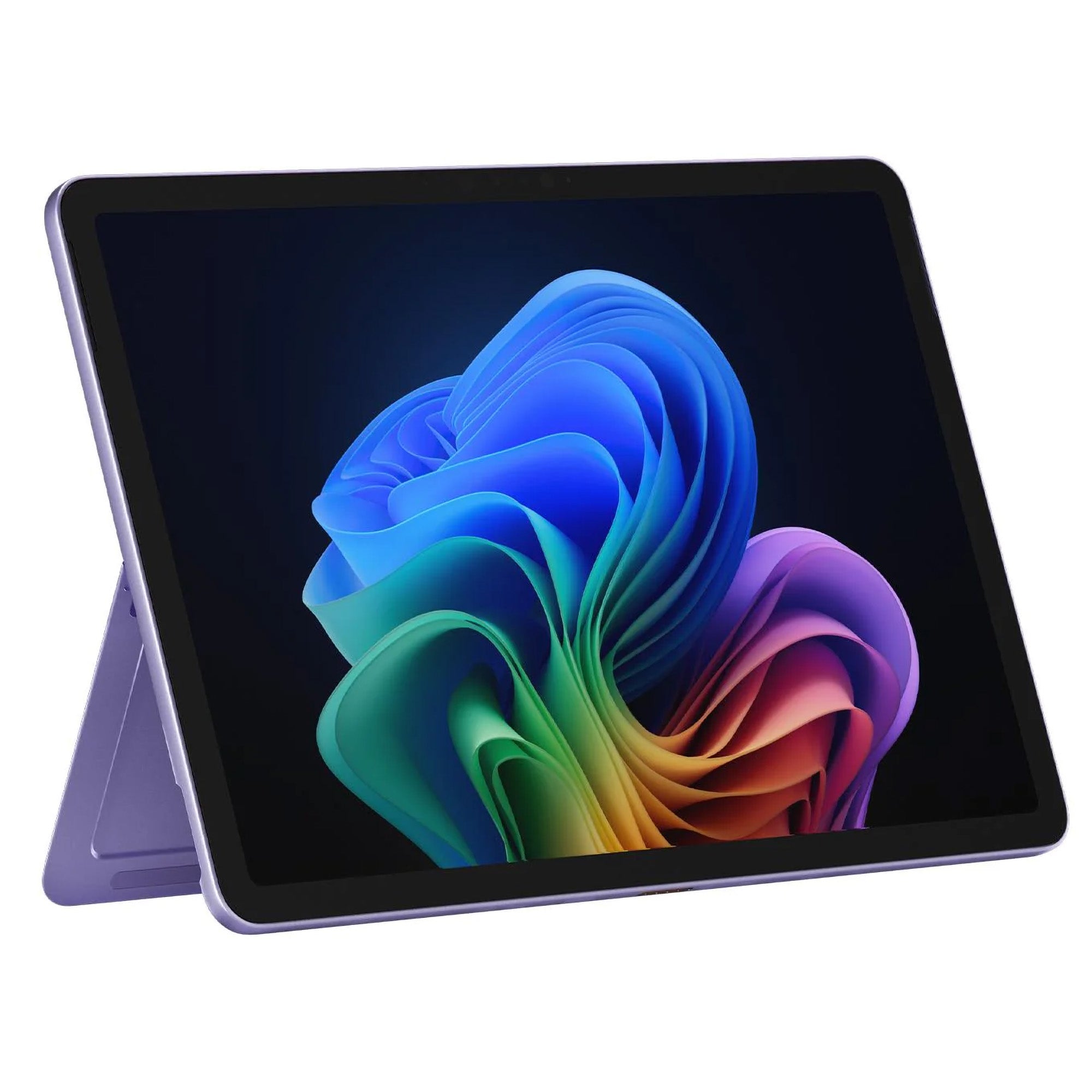
Microsoft Surface Pro 12-inch (2025)
2. Why protect a Surface Pro touchscreen?
Surface Pro devices are designed to be touched, written on, carried and repositioned throughout the day. Fingerprints, dust, bags and repeated pen use all expose the display to everyday surface wear. A thin TPU film adds a replaceable layer over the touchscreen while keeping the tablet light and preserving normal touch and pen interaction.
MEZON offers two film finishes for the Surface Pro 12-inch (2025): Ultra Clear and Anti-Glare Matte. Both are precisely cut for this display size and are designed to remain compatible with Surface Slim Pen and compatible Surface Pen models. The choice therefore comes down mainly to whether you prefer maximum clarity or a more textured, glare-reducing writing surface.
3. Ultra Clear film: best for preserving display clarity
The Ultra Clear film is the natural choice if you want the PixelSense display to retain its original glossy appearance. Its high-transparency finish helps preserve sharp text, colour and contrast while providing a sacrificial layer against everyday scratches and abrasion.
- High transparency: Keeps the screen looking close to its original glossy finish.
- Smooth Surface Pen glide: A good choice if you prefer low-friction writing and drawing.
- Thin TPU construction: Adds protection without the bulk of rigid tempered glass.
- Touch and pen friendly: Designed to preserve normal touchscreen and Surface Pen interaction.
- Three protectors per pack: Provides replacements for future wear or reinstallation.
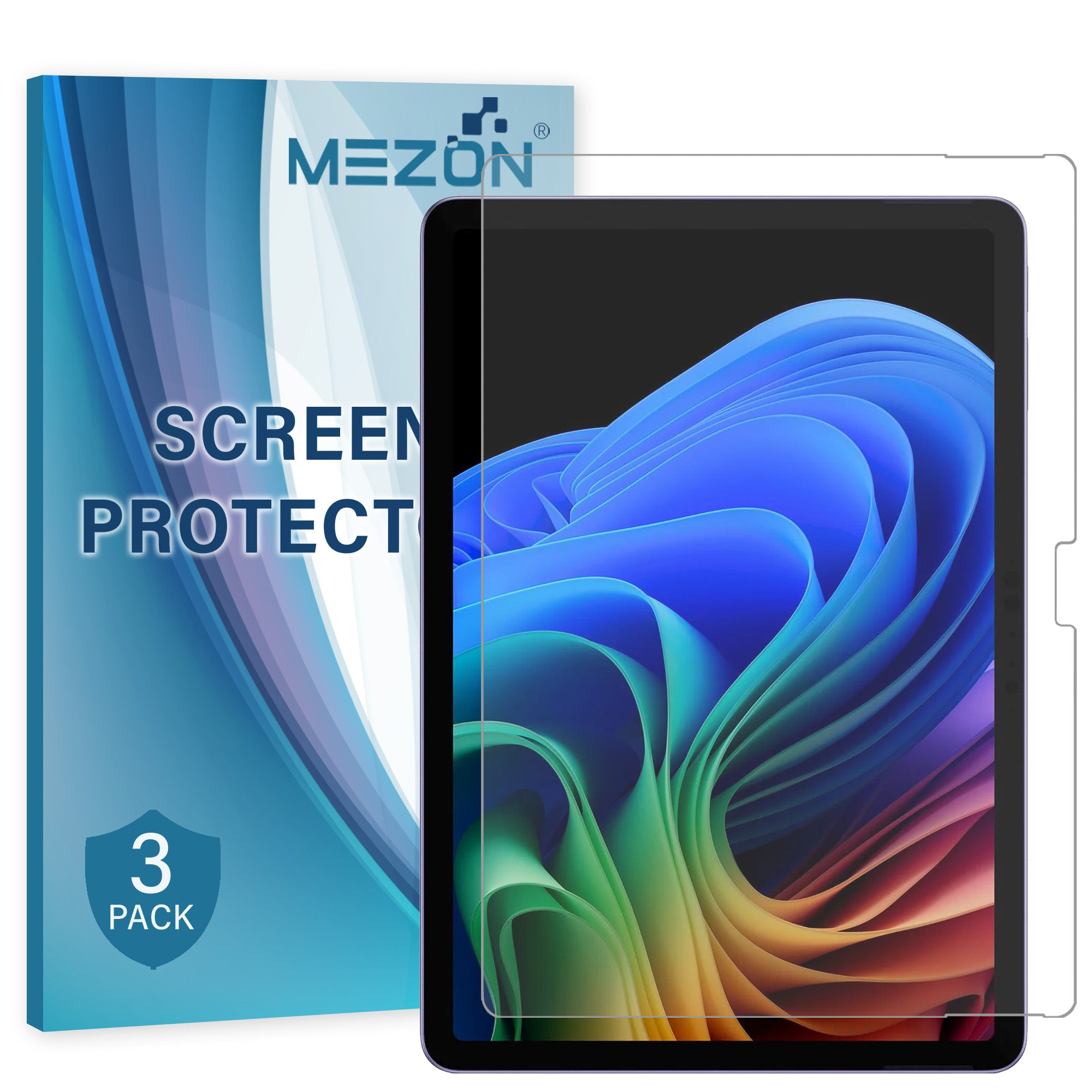
Recommended from MEZON: [3 Pack] Microsoft Surface Pro 12-inch (2025) 12" Ultra Clear Film Screen Protector
4. Anti-Glare Matte film: paper-like feel for Surface Pen
The Anti-Glare Matte film is especially useful if the Surface Pro doubles as a digital notebook or sketching surface. Its fine texture helps reduce reflections and visible fingerprints while adding a little more resistance under the pen tip.
That textured finish creates a more paper-like feel when writing than the smooth glass or clear film surface. It will not feel identical to physical paper, but the additional tactile feedback can make handwriting, annotation and drawing feel less slippery and more controlled.
- Paper-like writing feel: Fine texture adds tactile resistance for Surface Pen handwriting and sketching.
- Anti-glare finish: Helps reduce reflections from overhead lights and nearby windows.
- Less visible smudging: Fingerprints tend to be less noticeable than on a glossy screen.
- Surface Pen compatible: Designed to maintain pen functionality while changing the surface feel.
- Three protectors per pack: Gives you replacement films over the life of the device.
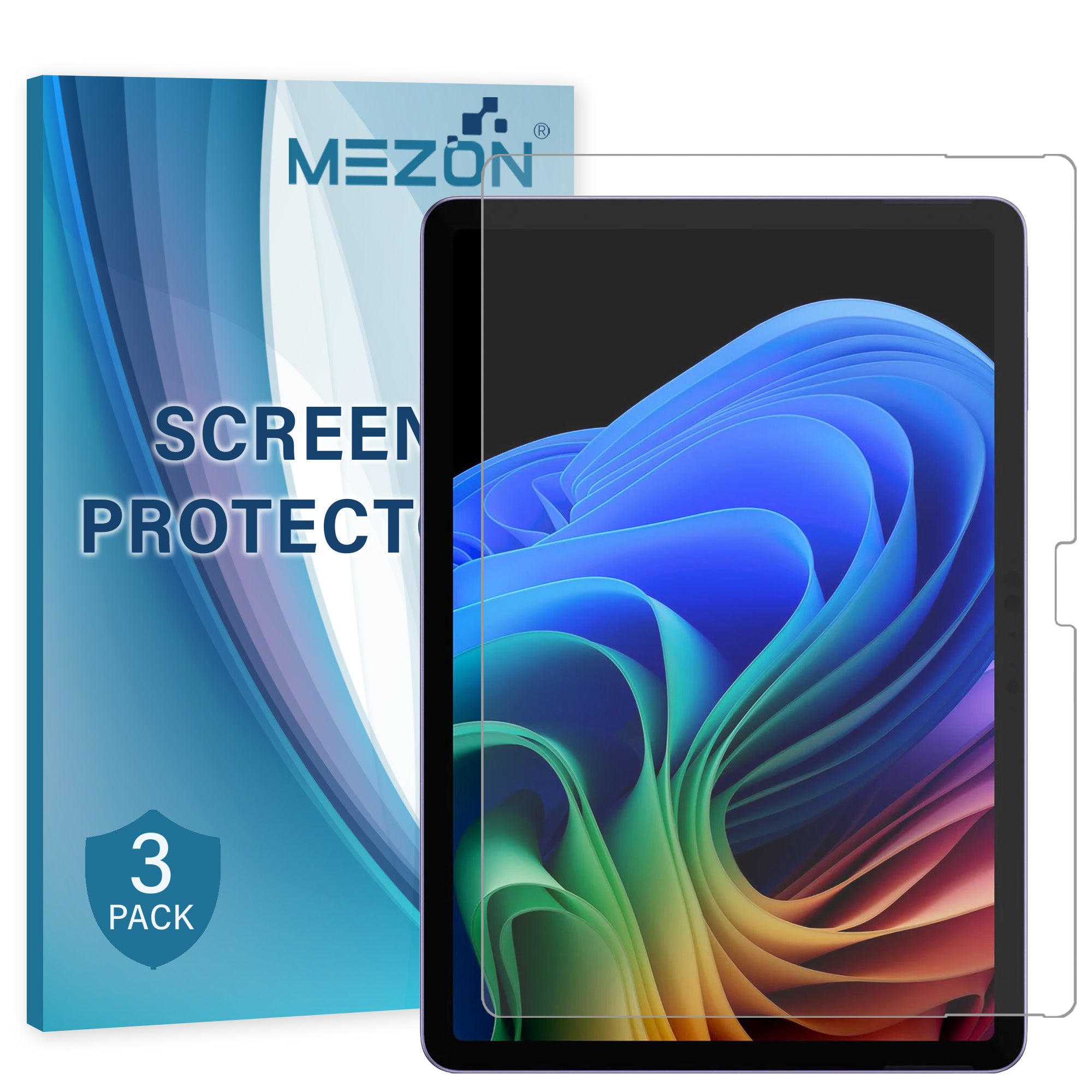
Recommended from MEZON: [3 Pack] Microsoft Surface Pro 12-inch (2025) 12" Anti-Glare Matte Film Screen Protector
5. Clear vs Matte: which Surface Pro protector should you choose?
Both films protect the same display and remain suitable for touch and pen use, but they create noticeably different viewing and writing experiences.
| Priority | Ultra Clear film | Anti-Glare Matte film |
|---|---|---|
| Display clarity | Preserves the original glossy look, sharp text and vivid images. | Slightly diffuses the image as part of the anti-glare finish. |
| Reflections | Retains normal glossy-screen reflections. | Helps reduce distracting reflections from windows and overhead lighting. |
| Surface Pen feel | Smooth, low-friction pen glide. | Fine texture creates a more paper-like feel for handwriting and sketching. |
| Fingerprints | Smudges can remain visible on the glossy surface. | Matte finish makes fingerprints and smudges less visually prominent. |
| Best for | Maximum clarity, media, reading and users who prefer smooth pen movement. | Frequent note-taking, drawing, annotation and use in bright environments. |
Choose Ultra Clear if display fidelity is your priority, you regularly watch video or work with images, or you simply like the original glossy screen appearance.
Choose Anti-Glare Matte if you frequently write or draw with Surface Pen, work under strong lighting, or prefer a textured surface with fewer visible fingerprints.
6. Surface Pen compatibility and writing feel
The Surface Pro 12-inch (2025) supports pen input, and both MEZON films in this guide are designed to remain compatible with Surface Slim Pen and compatible Surface Pen models. The film therefore becomes part of the writing surface rather than preventing normal pen use.
The most important difference is tactile. Clear film keeps a smooth, low-friction glide. Matte film introduces fine texture and gives the pen tip more resistance, creating the more paper-like feel many users prefer for handwriting, diagrams and sketching.
For the best experience, keep the pen tip and protector clean. Dust or a hard particle caught under the tip can create unnecessary friction on any screen surface.
7. Installation tips for a large Surface Pro display
- Choose a clean, low-dust area. Dust is particularly noticeable underneath a large tablet protector.
- Turn the display off. A dark screen makes dust, fingerprints and alignment easier to see.
- Clean and dry the screen thoroughly. Check the edges carefully before starting.
- Confirm the orientation first. Line up the film with the display edges and any cut-outs before exposing the adhesive.
- Apply progressively. Follow the supplied instructions and lower the film gradually rather than placing the whole sheet at once.
- Smooth remaining air towards the nearest edge. Use gentle, even pressure.
- Inspect before using Surface Pen. Make sure no hard particle is trapped beneath the protector in your usual writing area.
8. Frequently asked questions
Will Surface Pen still work after installing the protector?
Yes. The Surface Pro 12-inch (2025) supports pen input, and the MEZON Clear and Matte films are designed to remain compatible with Surface Pen. Clear gives a smoother glide, while Matte adds more tactile resistance.
Does the Matte film really feel like paper?
The matte surface has fine texture, so it creates more friction than glossy glass or clear film and feels more paper-like under the pen tip. It is still a digital screen surface, but it is the more writing-focused option.
Does Matte film reduce screen clarity?
Anti-glare surfaces diffuse some reflected light, so the display can look slightly softer than it does through a glossy clear film. That is the trade-off for lower reflections, less visible smudging and the textured writing feel.
Is TPU film the same as tempered glass?
No. TPU film is thin and flexible and is primarily intended to protect against everyday scratches, scraping and abrasion while keeping the device slim. It should not be treated as a replacement for dedicated drop protection.
When should I replace the protector?
Replace it when the surface becomes heavily scratched, damaged, cloudy or begins lifting around the edges. Because each MEZON pack includes three films, you have replacements available when the installed protector eventually wears.
Shop current MEZON screen protectors for Surface Pro 12-inch (2025)