

Microsoft Surface Laptop 6 Screen Protector Guide: Clear vs Matte Film
MEZONSurface Laptop 6 for Business brings Intel Core Ultra processors and a dedicated neural processing unit to Microsoft's established Surface Laptop design. The 13.5-inch version covered here retains the 2256 × 1504 3:2 PixelSense touchscreen, now with an anti-reflective treatment, and adds a 1080p Surface Studio Camera plus Thunderbolt 4 connectivity. It also continues to support Microsoft Pen Protocol, so handwritten notes and mark-ups remain possible with a compatible Surface Pen.
1. Surface Laptop 6 at a glance
The display is one of the most-used surfaces on any Surface Laptop. It handles everyday touch navigation as well as reading, video, documents and creative work, so choosing a protector is about balancing protection with the screen finish you prefer.
Compatibility note: Surface Laptop 6 for Business was produced with 13.5-inch and 15-inch displays. The MEZON protectors in this collection are for the 13.5-inch Surface Laptop 6.
Key technical specifications
Specifications can vary by market and configuration, but the main characteristics of this model include:
| Display | 13.5" PixelSense touchscreen with anti-reflective treatment |
| Resolution | 2256 × 1504, 201 PPI, 3:2 aspect ratio |
| Processor | Intel Core Ultra 5 135H or Core Ultra 7 165H |
| Memory | 8GB, 16GB, 32GB or 64GB depending on configuration |
| Storage | 256GB, 512GB or 1TB removable Gen 4 SSD |
| Battery | Up to 18.5 hours of typical device usage |
| Weight | About 1.38 kg |
| Connections | Thunderbolt 4/USB-C, USB-A, 3.5 mm audio and Surface Connect |
What makes the Surface Laptop 6 distinctive?
- Intel Core Ultra processors with Intel AI Boost NPU.
- 1080p Surface Studio Camera and Windows Studio Effects.
- Anti-reflective 13.5-inch PixelSense touchscreen.
- Microsoft Pen Protocol support for Surface Pen input.
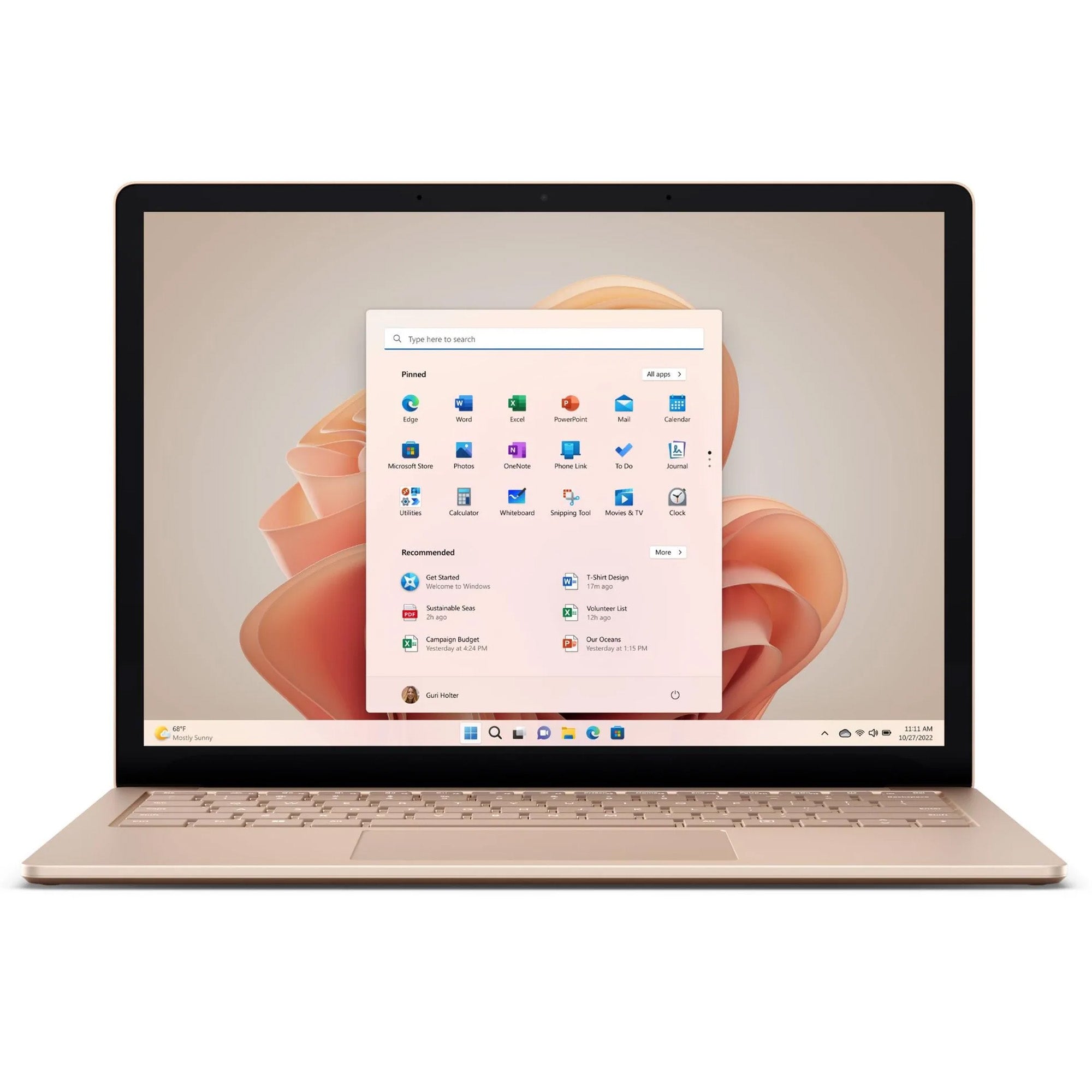
Microsoft Surface Laptop 6
2. Why use a film screen protector?
Laptop touchscreens are exposed to fingerprints, repeated touch input, dust and the small particles that can accumulate when a device is carried in a bag. A thin film adds a replaceable protective layer over the PixelSense display while keeping the laptop slim and preserving touchscreen operation.
MEZON offers two film finishes for this model: Ultra Clear and Anti-Glare Matte. Both use flexible TPU film rather than rigid tempered glass and are precisely cut for the correct display size. The main decision is whether you prioritise maximum screen clarity or a softer matte surface with reduced glare.
3. Ultra Clear film: preserve the original screen look
The Ultra Clear film is the best fit if you want the PixelSense display to retain its original glossy appearance. It is designed to stay visually unobtrusive while providing a sacrificial surface against everyday scratches, scraping and abrasion.
- High transparency: Helps preserve sharp text, colour and contrast.
- Original glossy appearance: Best for users who enjoy the standard look of the PixelSense display.
- Thin TPU construction: Adds surface protection without the bulk of thick glass.
- Surface Pen friendly: Thin construction is compatible with Surface Pen input on this supported Surface Laptop.
- Three protectors per pack: Gives you replacements for future wear or reinstallation.
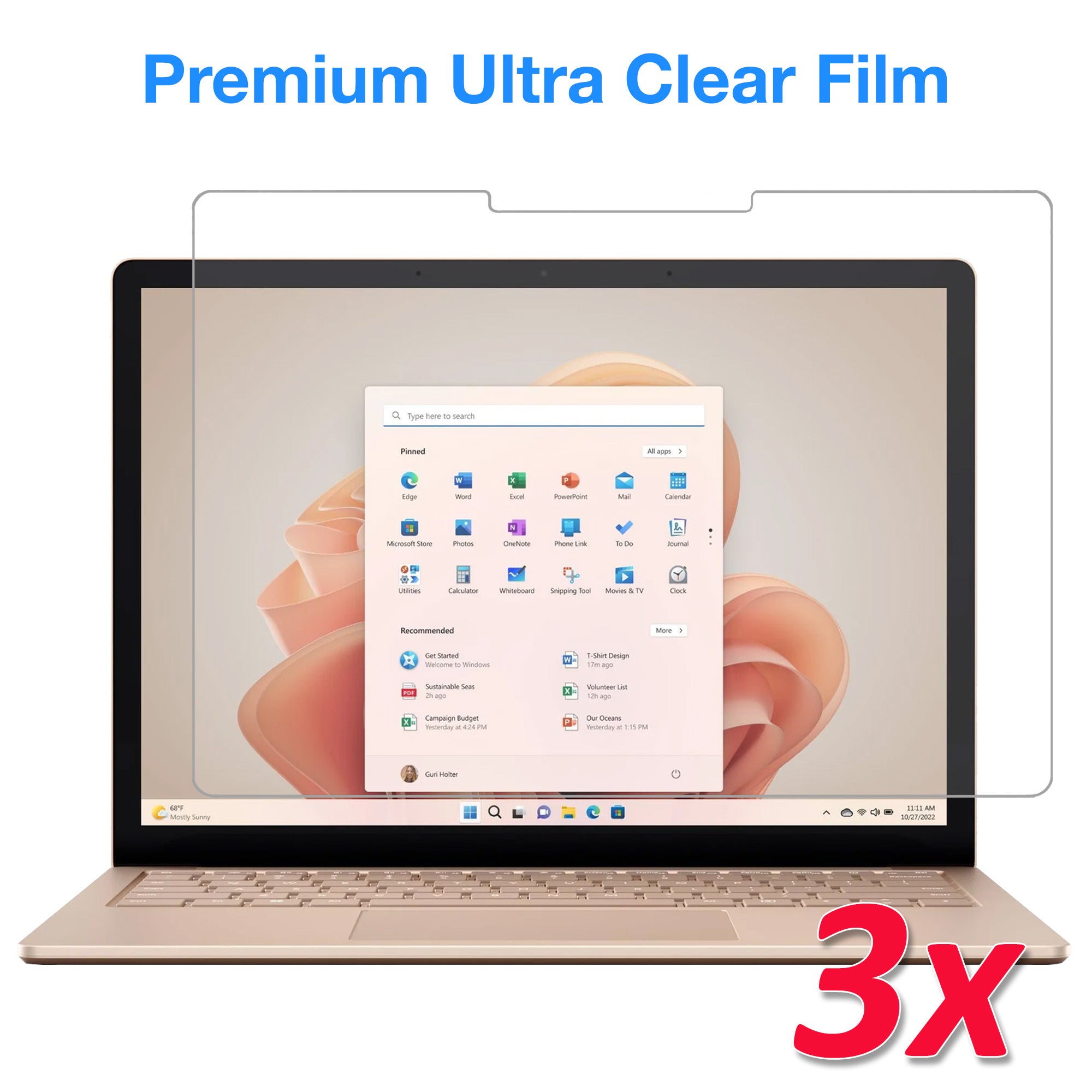
Recommended from MEZON: [3 Pack] Microsoft Surface Laptop 6 13.5" Ultra Clear Film Screen Protector
4. Anti-Glare Matte film: lower reflections and add texture
The Anti-Glare Matte film is especially useful on a Surface Laptop that is regularly used for handwriting, annotation or work under bright lighting. Its fine texture cuts down reflections and makes fingerprints less noticeable. When used with Surface Pen, that texture adds controlled resistance and creates a more paper-like feel when writing than a smooth glossy screen.
- Paper-like Surface Pen feel: Fine texture adds tactile resistance for handwriting, mark-ups and sketching.
- Anti-glare finish: Helps reduce reflections from overhead lighting, windows and other bright sources.
- Less visible smudging: Fingerprints tend to be less obvious than on a glossy surface.
- Surface Pen compatible: Designed to maintain normal pen interaction on supported Surface Laptop models.
- Three protectors per pack: Provides replacements for future wear or reinstallation.
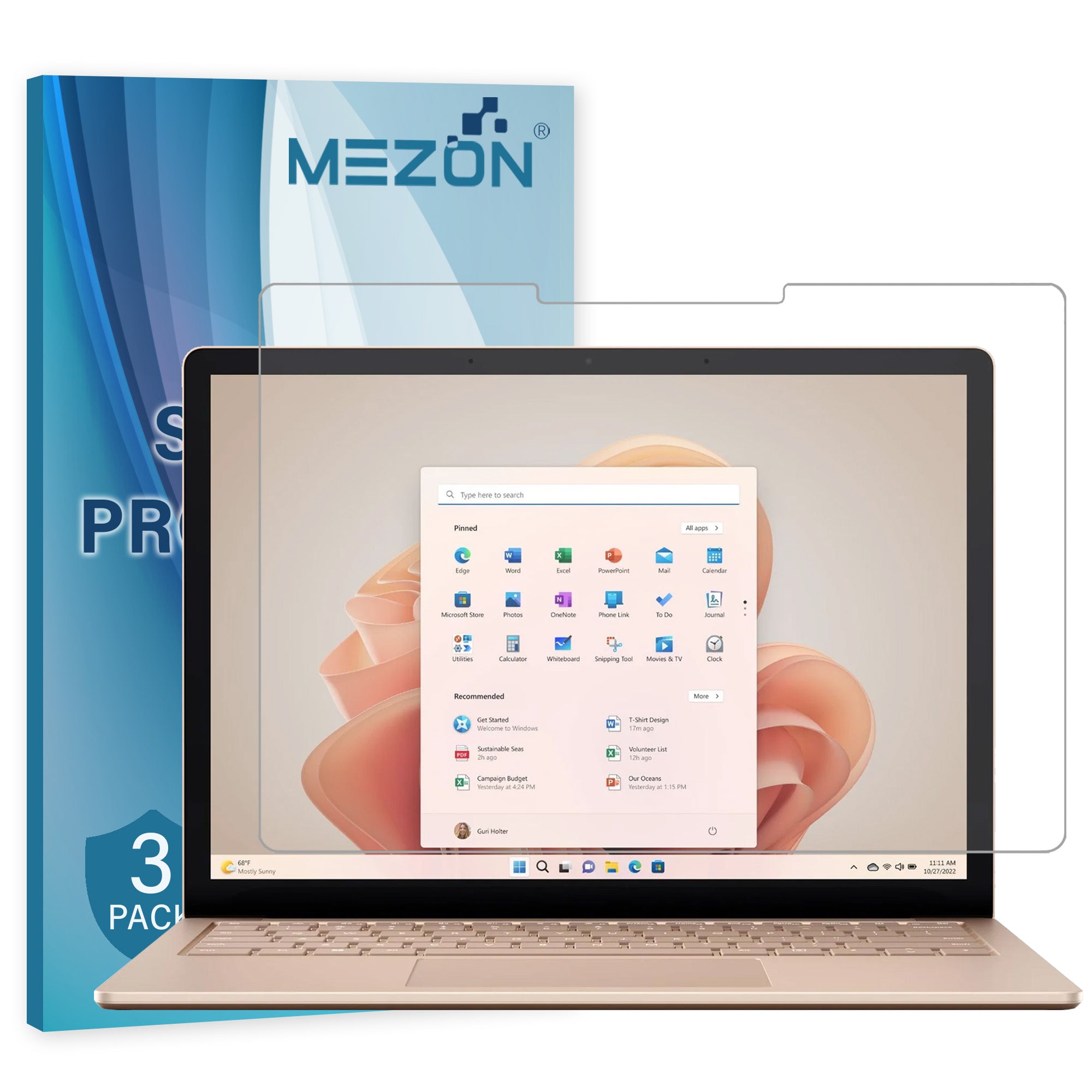
Recommended from MEZON: [3 Pack] Microsoft Surface Laptop 6 13.5" Anti-Glare Matte Film Screen Protector
5. Clear vs Matte: which should you choose?
Both films protect the same display but create different viewing and touch experiences. The right choice depends on how and where you use your Surface Laptop.
| Priority | Ultra Clear film | Anti-Glare Matte film |
|---|---|---|
| Display clarity | Preserves the glossy look, sharp text and vivid images. | Slightly diffuses the image as part of its anti-glare finish. |
| Reflections | Retains the normal glossy-screen reflection characteristics. | Helps reduce distracting reflections under bright lights and near windows. |
| Writing / stylus feel | Smooth, low-friction Surface Pen glide. | Fine texture gives Surface Pen a more paper-like writing feel. |
| Fingerprints | Smudges can be more visible on the glossy surface. | Matte finish makes fingerprints and smudges less visually prominent. |
| Best for | Maximum clarity, media, reading and occasional pen use. | Frequent note-taking, annotation, drawing and bright environments. |
Choose Ultra Clear if you prioritise maximum clarity, frequently watch video or work with images, or simply prefer the original glossy display appearance.
Choose Anti-Glare Matte if you often work near windows or overhead lights, dislike visible fingerprints, or prefer a softer and more textured screen surface.
6. Surface Pen compatibility and writing feel
The Surface Laptop 6 supports pen input, and both MEZON film options in this guide are thin enough to remain compatible with Surface Pen. The screen protector therefore becomes part of the writing surface rather than preventing pen use.
The main difference is tactile. Ultra Clear keeps a smoother, lower-friction glide. Anti-Glare Matte adds fine texture, creating a more paper-like feel when writing or sketching. That extra resistance can be particularly appealing for users who annotate documents, sign forms, take handwritten notes or draw directly on the touchscreen.
Keep the pen tip and screen surface clean. A hard particle trapped under a pen tip can create unwanted friction on any screen protector.
7. Installation tips for a clean result
- Choose a clean, low-dust area. Large laptop screens make trapped dust especially easy to notice.
- Switch the display off. A dark screen makes fingerprints, dust and alignment easier to see.
- Clean and dry the screen thoroughly. Pay close attention to the edges and corners.
- Check the orientation before exposing the adhesive. Confirm that the film aligns with the display shape and any cut-outs.
- Apply the film progressively. Follow the supplied instructions and avoid dropping the entire sheet onto the screen at once.
- Smooth remaining air towards an edge. Use gentle, even pressure rather than forcing bubbles through the film.
- Give the edges a final check. A clean edge helps minimise future lifting.
8. Frequently asked questions
Will Surface Pen still work after installing the protector?
Yes. The Surface Laptop 6 supports Surface Pen input, and the MEZON Clear and Matte films are designed to remain compatible with pen use. The Matte version adds more tactile resistance, while Clear keeps a smoother glide.
Does Matte film really feel like paper?
Matte film has a fine texture that creates more friction than a glossy clear surface, so it feels more paper-like under a pen tip, basic stylus or fingertip. It is still a digital screen surface and will not feel identical to physical paper.
Does Matte film reduce screen quality?
An anti-glare surface works by diffusing reflected light, so the display can look slightly softer than it does through clear glossy film. That is the trade-off for reduced glare and less visible smudging.
Is TPU film the same as tempered glass?
No. TPU film is thin and flexible and is primarily intended to protect against everyday scratches, scraping and abrasion. It should not be treated as a substitute for impact protection if drops are your main concern.
How often should I replace the protector?
Replace the film when it becomes heavily scratched, damaged, cloudy or starts lifting around the edges. Each MEZON pack contains three protectors, so spares are available when the installed film eventually wears.