

Microsoft Surface Book 3 Screen Protector Guide: Clear vs Matte Film
MEZONMicrosoft Surface Book 3 is the most powerful generation of the detachable Surface Book family. In the 13.5-inch version covered by this guide, the 3000 × 2000 PixelSense display can be used as part of a conventional laptop, detached as a tablet or folded into a studio-like position for drawing. Tenth-generation Intel Core processors, optional NVIDIA graphics and configurations with up to 32GB of RAM made it suitable for demanding productivity and creative workflows as well as handwritten work with Surface Pen.
1. Surface Book 3 at a glance
Before choosing a screen protector, it helps to understand what makes the display important to the way this device is used. The Surface Book 3 is a touch-first Surface, and its screen is used not only for viewing content but also for navigation, handwriting, annotation and creative work.
Compatibility note: Surface Book 3 also came in a 15-inch version. The products linked here are specifically designed for the 13.5-inch Surface Book 3.
Key technical specifications
Specifications varied by configuration and market, but the main display and hardware characteristics include:
| Display | 13.5" PixelSense touchscreen |
| Resolution | 3000 × 2000, 267 PPI, 3:2 aspect ratio |
| Processor | 10th Gen Intel Core i5-1035G7 or Core i7-1065G7 |
| Memory | Configurations available with up to 32GB RAM |
| Storage | 256GB, 512GB or 1TB PCIe SSD on 13.5-inch models |
| Battery | Up to 15.5 hours of typical device usage with keyboard base |
| Weight | About 1,534 g (i5) or 1,642 g (i7), including keyboard |
| Connections | 2 × USB-A 3.1 Gen 2, USB-C 3.1 Gen 2, full-size SDXC, 2 × Surface Connect, 3.5 mm audio |
What makes the Surface Book 3 distinctive?
- Three versatile modes: laptop, detached tablet and portable studio.
- 13.5-inch 3000 × 2000 PixelSense touchscreen with 3:2 aspect ratio.
- 10th Gen Core i5 or Core i7 processors; selected 13.5-inch i7 models include GeForce GTX 1650 Max-Q graphics.
- Configurations were available with up to 32GB RAM, plus fast PCIe SSD storage.
- Surface Pen and Surface Dial support for drawing, note-taking and creative applications.
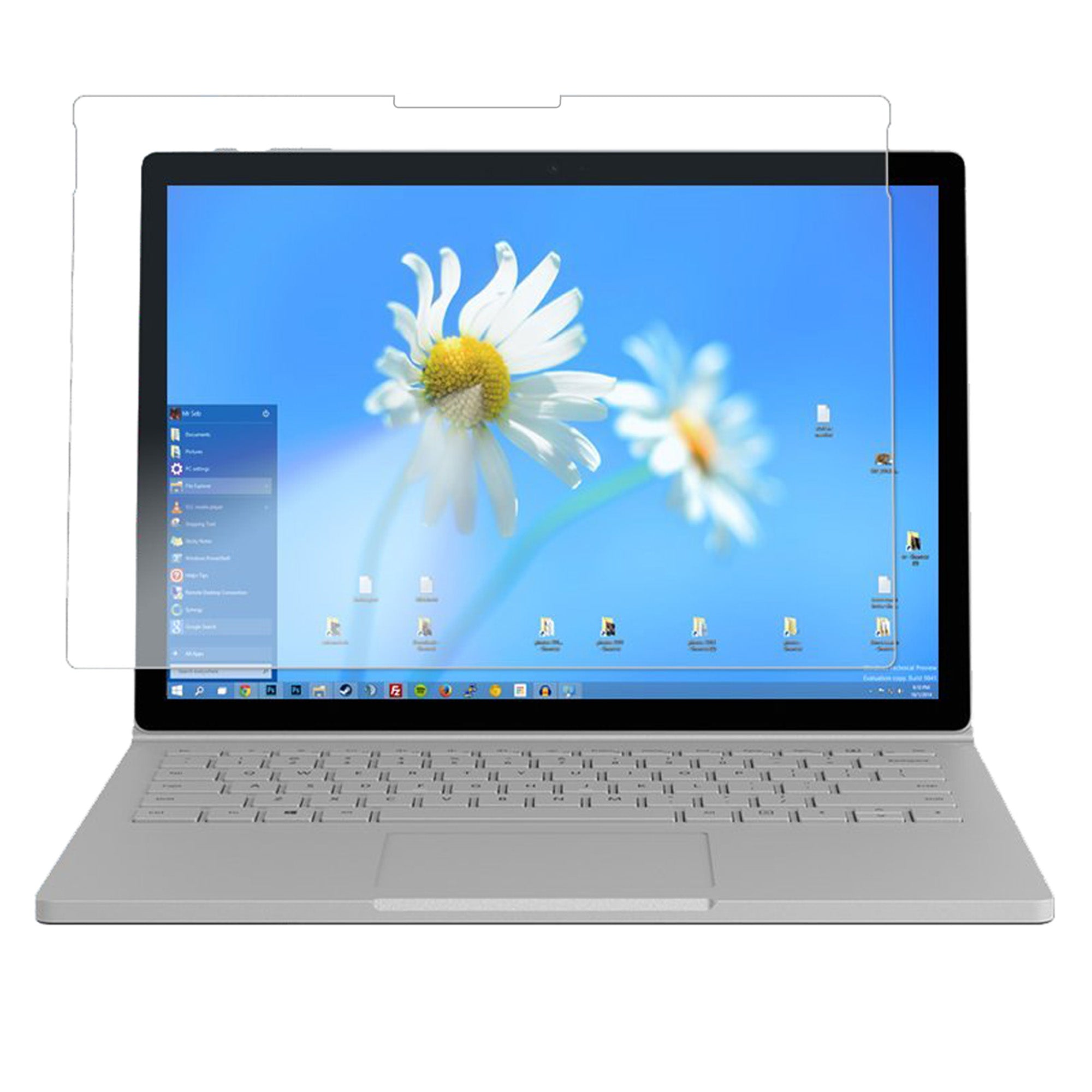
Microsoft Surface Book 3
2. Why use a film screen protector on the Surface Book 3?
A Surface display is both a screen and an input surface. Everyday travel, desk use, bags, fingerprints and frequent pen interaction can all contribute to surface wear over time. A thin film protector adds a replaceable layer over the touchscreen without the bulk of rigid glass.
MEZON currently offers two film finishes for the Surface Book 3: Ultra Clear and Anti-Glare Matte. Both are flexible TPU films, are precisely cut for the device and are designed to remain compatible with Surface Pen. The main choice is therefore not whether you can use a pen, but which screen finish and writing feel you prefer.
3. Ultra Clear film: best for maximum screen clarity
The Ultra Clear film is the most natural choice if you like the original appearance of the PixelSense display and want protection that stays visually unobtrusive. Its glossy clear finish is designed to preserve sharp text, colour and contrast while providing a sacrificial surface against everyday scratches and marks.
- High transparency: Keeps the display looking close to its original glossy finish.
- Smooth Surface Pen glide: Pen input remains compatible and retains a low-friction feel.
- Thin TPU construction: Adds surface protection without the thickness of tempered glass.
- Useful for detail-rich content: A strong option for photos, video, design work and reading where maximum clarity matters.
- Three protectors per pack: Gives you replacements for future wear or reinstallation.
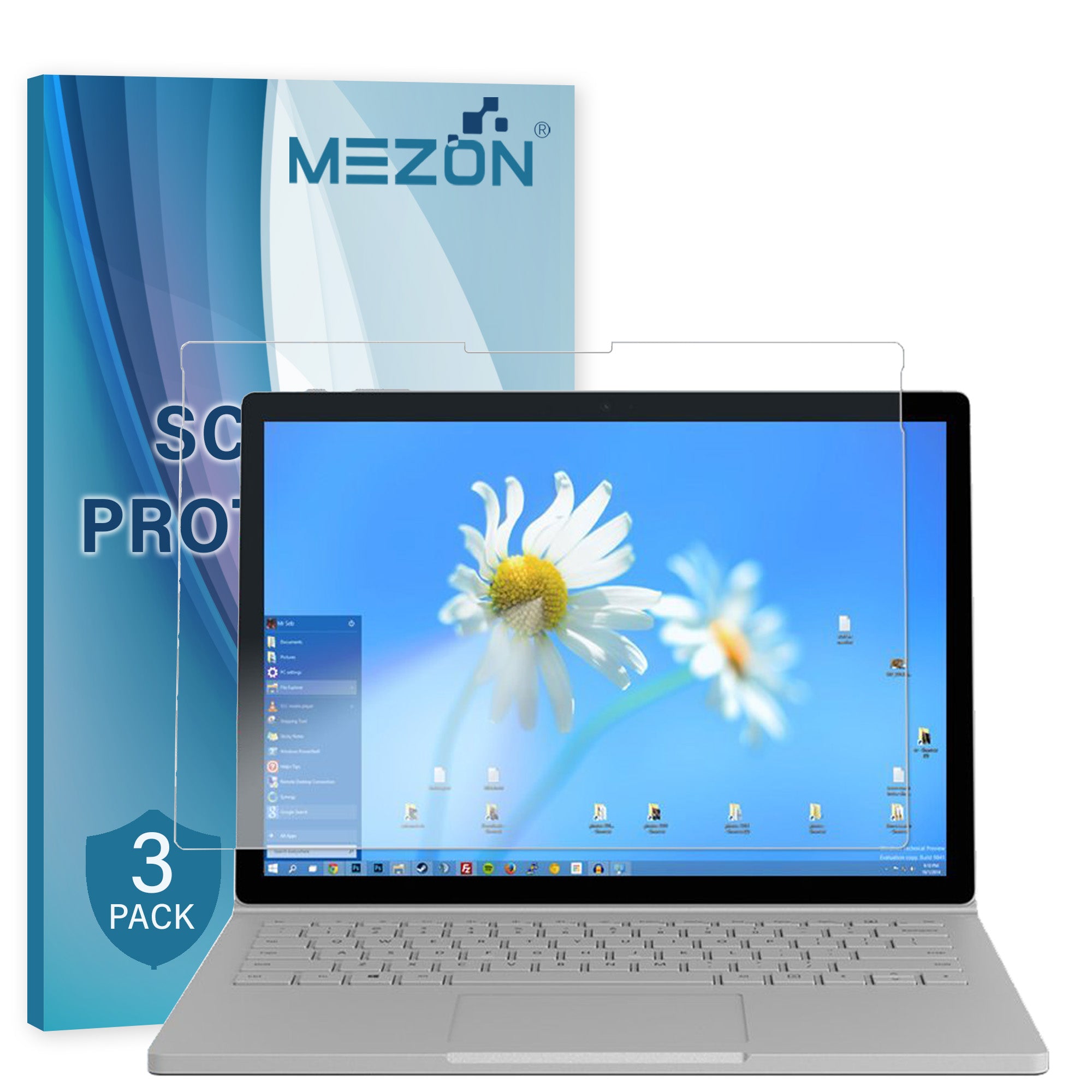
Recommended from MEZON: [3 Pack] Microsoft Surface Book 3 13.5" Ultra Clear Film Screen Protector
4. Anti-Glare Matte film: a paper-like feel for Surface Pen
The Anti-Glare Matte film is designed for users who spend more time writing, drawing or working under bright lighting. Its softly textured surface reduces reflections and visible fingerprints, while the added texture gives the Surface Pen more tactile feedback.
For handwriting, that texture creates a more paper-like feel than the smooth uncovered screen. It does not turn the display into actual paper, but the extra resistance can make note-taking and sketching feel less slippery and more controlled.
- Paper-like writing feel: Fine surface texture adds tactile resistance for Surface Pen handwriting and sketching.
- Anti-glare finish: Helps reduce reflections from overhead lighting, windows and other bright sources.
- Less visible smudging: Fingerprints tend to be less obvious than on a glossy surface.
- Surface Pen compatible: Designed to maintain pen functionality while changing the tactile feel.
- Three protectors per pack: Useful for replacement over the life of the device.
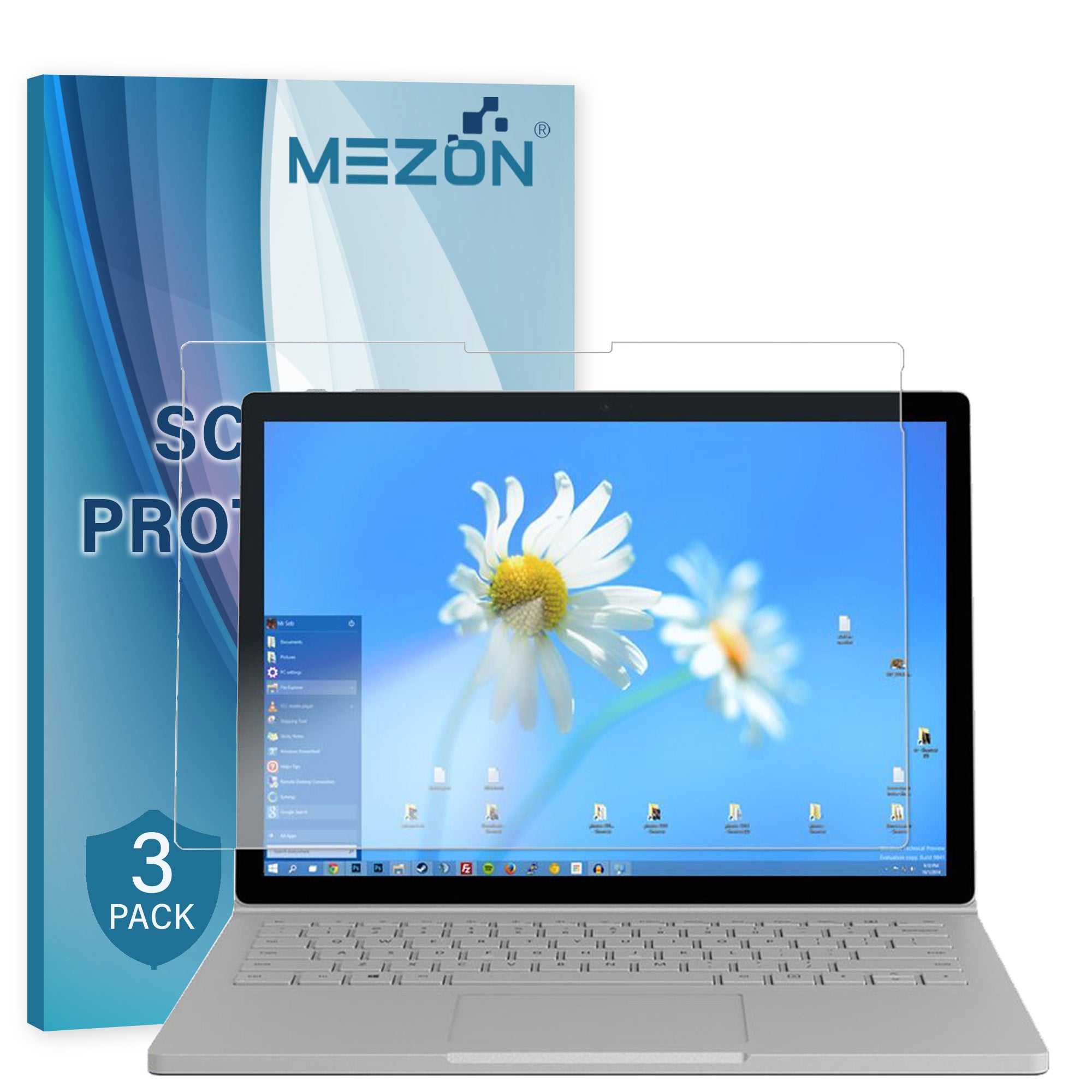
Recommended from MEZON: [3 Pack] Microsoft Surface Book 3 13.5" Anti-Glare Matte Film Screen Protector
5. Clear vs Matte: which should you choose?
Both protectors cover the same basic need—thin, Surface Pen-compatible protection—but they prioritise different experiences. The best choice depends on whether you value an untouched glossy image or a more writing-focused matte surface.
| Priority | Ultra Clear film | Anti-Glare Matte film |
|---|---|---|
| Display clarity | Preserves the original glossy look, sharp text and vivid images. | Slightly diffuses the display as part of its anti-glare finish. |
| Reflections | Keeps the normal glossy screen appearance. | Reduces distracting reflections under bright lights and near windows. |
| Surface Pen feel | Smooth, low-friction glide similar to the uncovered display. | Fine texture creates a more paper-like feel when writing or sketching. |
| Fingerprints | Smudges can remain visible on the glossy surface. | Matte finish makes fingerprints and smudges less visually prominent. |
| Best for | Media, photo work, reading and maximum clarity. | Frequent note-taking, drawing, classrooms, offices and bright environments. |
Choose Ultra Clear if you mainly watch video, work with images, read small text or simply want the display to look as close as possible to the original screen.
Choose Anti-Glare Matte if you regularly take handwritten notes, draw with Surface Pen, work near windows or overhead lights, or prefer a surface that feels less slick under the pen tip.
6. Surface Pen compatibility and writing feel
Both MEZON film options in this guide are designed to be compatible with Surface Pen. A properly installed film sits between the pen tip and display but is thin enough for normal pen interaction.
The important difference is tactile rather than functional. Clear film keeps a smoother glide, while matte film introduces a fine texture. If the Surface Book 3 is regularly used as a digital notebook or sketching surface, the matte option is usually the more writing-oriented choice because of its paper-like feel. If pen use is occasional and display fidelity is the priority, clear film is likely to suit better.
Whichever finish you choose, keep the Surface Pen tip clean and in good condition. Dust or grit caught between a pen tip and the screen can create unwanted friction on any display surface.
7. Installation tips for a clean result
- Work in a clean, low-dust area. Fine dust is much easier to notice on a large tablet or laptop display.
- Switch the screen off. Reflections on a dark screen make dust, fingerprints and alignment easier to see.
- Clean and dry the display thoroughly. Pay special attention to the edges where trapped lint can cause lifting.
- Check orientation before exposing the adhesive. Confirm the protector is aligned with the correct edges and openings.
- Apply progressively. Follow the supplied installation instructions and lower the film gradually rather than placing the whole sheet down at once.
- Smooth the film gently. Work remaining air towards the nearest edge without using excessive pressure.
- Inspect before using Surface Pen. Make sure no hard particle is trapped beneath the film in the area where you normally write.
8. Frequently asked questions
Will Surface Pen still work with the screen protector installed?
Yes. The Clear and Matte MEZON films linked in this guide are designed to be Surface Pen compatible. The Matte version changes the surface feel by adding texture, while the Clear version keeps a smoother glide.
Does the Matte protector really feel like paper?
The matte texture gives noticeably more resistance than a glossy screen, producing a more paper-like feel when writing or drawing. It is still a digital display surface, so it will not feel identical to physical paper, but it is the better of the two options if tactile feedback is important.
Does Matte film reduce screen quality?
Any anti-glare surface works by diffusing some reflected light, so the screen can look a little softer than with a clear glossy protector. That is the trade-off for lower glare, fewer visible fingerprints and the more textured writing feel.
Is film as impact-resistant as tempered glass?
No. TPU film is best for everyday scratch and surface protection while keeping the device slim. It should not be treated as a replacement for a protective case or other measures if drop and impact protection are your main concern.
How often should I replace the protector?
Replace it when the surface becomes heavily scratched, damaged, cloudy or begins lifting around the edges. Because each MEZON pack contains three protectors, you have spares available when the installed film eventually wears.