

Apple iPad Pro 12.9" M2 Screen Protectors: Clear vs Matte Guide
MEZONThe screen is the part of an iPad you touch, write on and look at every time you use it, so choosing a protector is not only about scratch protection. On the Apple iPad Pro 12.9" M2 (2022), the finish of the protector can also change how reflections, fingerprints, Apple Pencil work and visual clarity feel in everyday use.
MEZON offers two screen-protector finishes for this model: Ultra Clear and Anti-Glare Matte. Both are thin TPU films rather than tempered glass. Both are designed to add a replaceable layer against everyday scratches, scraping and abrasion, and both are cut to remain compatible with cases and Apple Pencil. The main decision is therefore which surface suits the way you use this iPad.
1. Make sure you have the right iPad Pro 12.9" M2
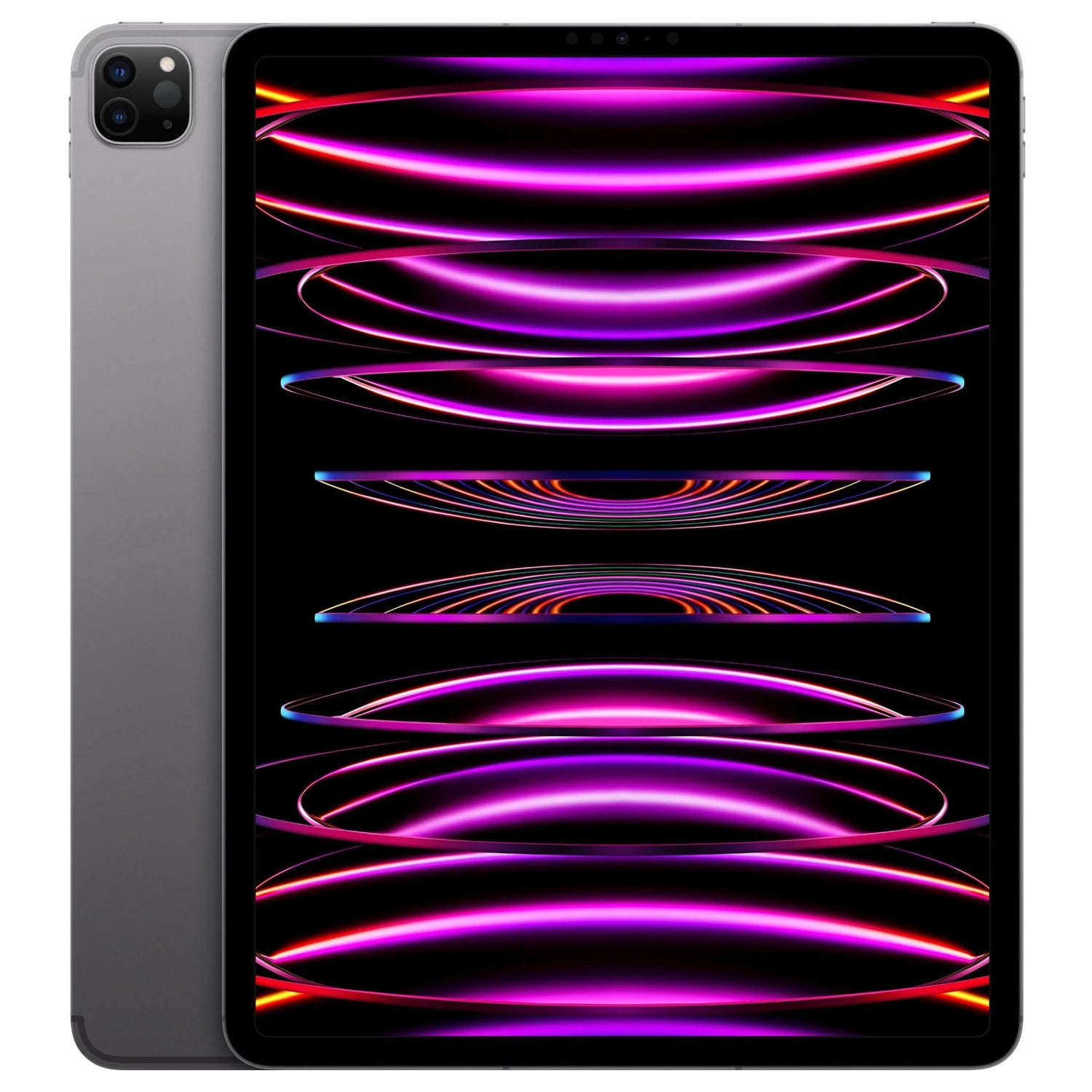
This is the 2022 iPad Pro 12.9-inch (6th generation) with M2. Apple model numbers include A2436, A2437, A2764 and A2766.
Before ordering, open Settings > General > About and check the model name and model number. iPad names can be deceptively similar across generations, and even when two models share a nominal screen size, the physical front layout can differ. Match the protector to the exact model rather than choosing by screen size alone.
2. iPad Pro 12.9" M2 technical overview
| Year | 2022 |
|---|---|
| Chip | Apple M2 — 8-core CPU, 10-core GPU, 16-core Neural Engine, 100GB/s memory bandwidth and 8GB or 16GB RAM depending on storage |
| Display | 12.9-inch Liquid Retina XDR mini-LED display |
| Resolution | 2732 × 2048 at 264 ppi |
| Brightness | 1,000 nits full-screen XDR; up to 1,600 nits peak HDR |
| Refresh rate | ProMotion up to 120Hz |
| Apple Pencil | Apple Pencil (2nd generation) and Apple Pencil (USB-C), with Apple Pencil hover |
Unlike the 11-inch M2 Pro, the 12.9-inch version uses mini-LED Liquid Retina XDR. It can reach 1,000 nits full-screen and 1,600 nits peak for HDR content with a 1,000,000:1 contrast ratio.
3. Why use a film screen protector on an iPad?
iPads often spend more time exposed than phones. They are carried in backpacks with chargers and notebooks, laid flat on desks, handed to children or colleagues, used with keyboards, and repeatedly contacted by a stylus. Even when the display glass is strong, fine scratches and abrasion can accumulate over years of daily use.
A thin TPU film adds a replaceable wear layer without substantially changing the dimensions of the device. That is useful on an iPad because many owners also use a folio, keyboard case or close-fitting shell. A film also avoids the extra thickness and rigidity of a glass protector.
4. Clear vs Anti-Glare Matte: what actually changes?
| Feature | Ultra Clear | Anti-Glare Matte |
|---|---|---|
| Display appearance | Closest to the original glossy screen | Softer, non-glossy surface |
| Reflections | Glossy reflections remain more visible | Designed to reduce glare and reflections |
| Fingerprints | More visible on the glossy surface | Smudges are generally less conspicuous |
| Apple Pencil feel | Smoother glide | More textured, less glass-like feel |
| Best suited to | Video, photos, games and colour-sensitive work | Notes, drawing, bright rooms, travel and desk work |
A matte surface reduces glare by diffusing reflected light, so it cannot look identical to a glossy clear surface. That is the trade-off: if maximum visual fidelity is your first priority, choose Clear. If reflections, fingerprints and writing comfort bother you more, choose Matte.
5. MEZON Ultra Clear film for iPad Pro 12.9" M2
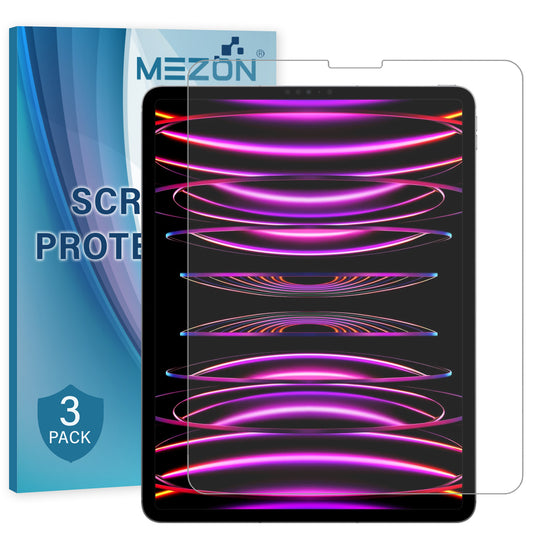
MEZON Ultra Clear film is a thin TPU screen protector designed to protect the iPad Pro 12.9" M2 from everyday scratching, scraping and abrasion without adding the thickness of tempered glass. The transparent finish is the better option when you want to retain the original glossy appearance, with colour, contrast and fine detail looking as direct as possible. It is case friendly and Apple Pencil friendly.
View the MEZON Ultra Clear Film Screen Protector for iPad Pro 12.9" M2
6. MEZON Anti-Glare Matte film for iPad Pro 12.9" M2
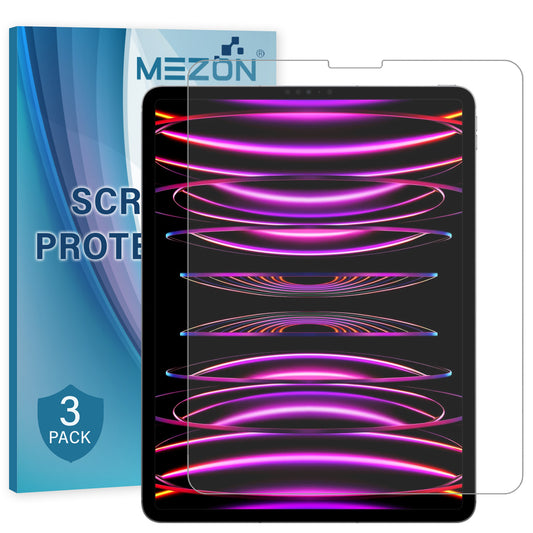
MEZON Anti-Glare Matte film is a thin TPU protector with a matte top surface designed to reduce reflections and glare on the iPad Pro 12.9" M2. The finish also makes fingerprints and smudges less noticeable and provides a more textured, less glass-like feel for handwriting and drawing. It is case friendly and Apple Pencil friendly.
View the MEZON Anti-Glare Matte Film Screen Protector for iPad Pro 12.9" M2
7. Which screen protector is better for this iPad?
Clear is the logical option for HDR grading, photo work and media because it best preserves the XDR panel’s contrast and brightness. Matte is better for illustration, handwriting and office use where reflections across the huge 12.9-inch surface are the bigger distraction.
- Choose Ultra Clear if display clarity, contrast and the original glossy look matter most.
- Choose Anti-Glare Matte if reflections, fingerprints or long Apple Pencil sessions are your bigger concern.
- Choose for your environment: a glossy screen can look excellent in controlled lighting, while matte becomes more useful near windows, under overhead lights or while travelling.
8. Installation tips for a large iPad screen
Installing film on an iPad takes a little more care than on a phone simply because there is more surface area where dust can land. A careful setup makes the biggest difference.
- Remove the case and switch the iPad off so fingerprints and dust are easier to see.
- Wash and dry your hands, then work on a clean, stable table away from fans or open windows.
- Use the supplied cleaning materials to remove oils and dust. Inspect the display from several angles before peeling the protector backing.
- Dry-fit the film first and note the camera, sensor and edge alignment.
- Apply the protector gradually, keeping the alignment fixed as the adhesive makes contact. Work bubbles toward the nearest edge rather than repeatedly lifting the film.
- After installation, check that the protector is not caught under a case edge before pressing the case fully into place.
9. Frequently asked questions
Is this tempered glass?
No. MEZON’s Clear and Anti-Glare Matte iPad protectors are thin TPU films. Their purpose is to add a replaceable layer against everyday scratching, scraping and abrasion while keeping a slim, case-friendly fit.
Will the protector work with Apple Pencil?
Yes. Both MEZON finishes are designed to be stylus friendly and compatible with Apple Pencil. The choice of Clear or Matte mainly changes the surface feel: Clear is smoother, while Matte has a more textured, less glossy feel.
Will it work with a case or keyboard cover?
The films are designed to be case friendly. As with any close-fitting case, make sure the case edge is not pushing directly against the edge of the newly installed film.
Does matte make the screen less clear?
Matte reduces glare by diffusing reflected light, so it will not look exactly the same as a glossy clear surface. Users who prioritise photo and video clarity and strong contrast usually prefer Clear; users who prioritise lower reflections and a writing-friendly surface often prefer Matte.
Do I need to know the exact iPad generation?
Yes. Do not buy solely by a label such as “11-inch” or “13-inch”. Check the model name or model number in Settings before ordering so the film cut and front layout match your iPad.
10. Final recommendation
There is no single finish that is best for every iPad Pro 12.9" M2 owner. Ultra Clear is the safest choice when you want the display to look as close as possible to Apple’s original screen. Anti-Glare Matte is the more specialised choice for bright environments, frequent handwriting and users who dislike glossy reflections and visible fingerprints.
Shop all MEZON Clear and Anti-Glare Matte screen protectors for Apple iPad Pro 12.9" M2 (2022)